

Let’s connect your account
1
Verify your Velocify login
Open your organization’s normal Velocify sign-in page and confirm that the username and password work. Use that same pair in the Rollout connection form.
Open Velocify LeadManager
Verify the Velocify username and password you will use
2
Enter your login and save
In the product you are connecting, choose Velocify. Enter the same values you use to sign in in Velocify Username and Velocify Password, then select Save.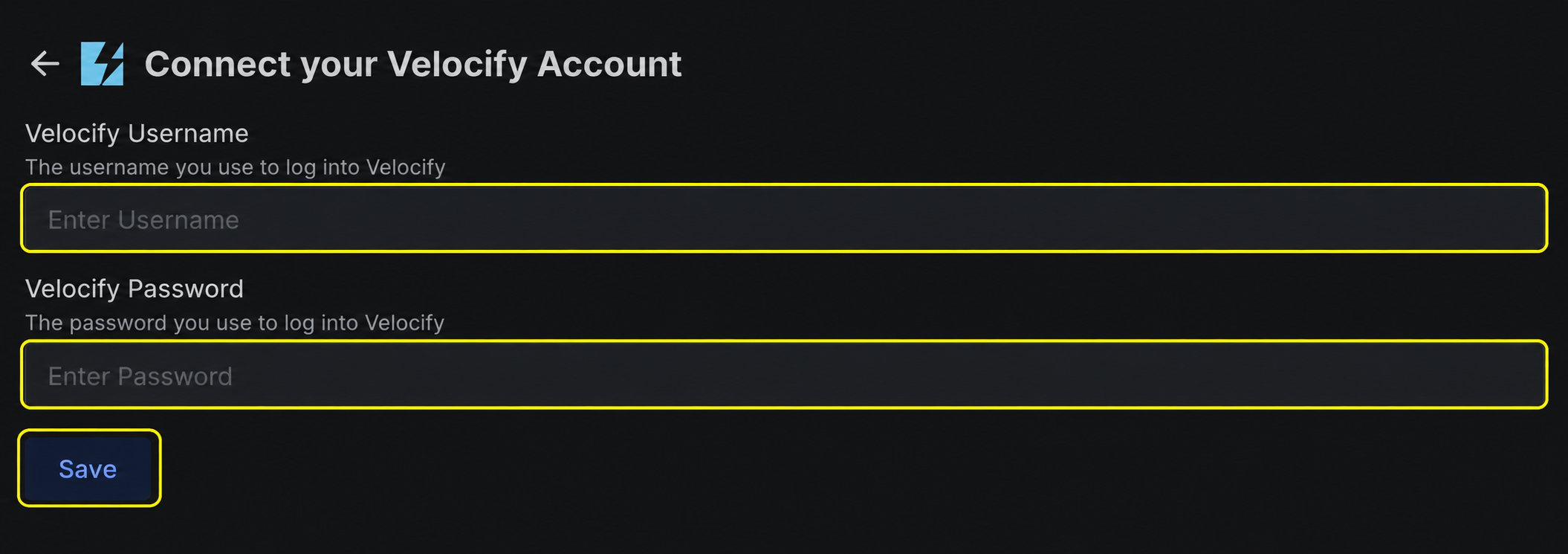
If the connection does not finish
The connection does not accept the login
The connection does not accept the login
Sign in to Velocify directly with the same username and password. Complete any password reset or account verification requested by Velocify before trying again.