

agent.kw.com; it does not use an API key. Your username is usually not your email address unless you changed it. If KW detects a new browser, device, or location, it may also send a verification code to the Password Recovery Email in your KW profile.
Let’s connect your account
1
Verify your KW Command login
Open KW Command and confirm that your username and password work before entering them in the connection form.
Open KW Command
Sign in with the KW credentials you will use for the connection
KW Command MFA instructions
Review Keller Williams’ official verification-code instructions
2
Open the KW Command connection form
In the product you are connecting, choose KW Command.
3
Enter your KW Command login
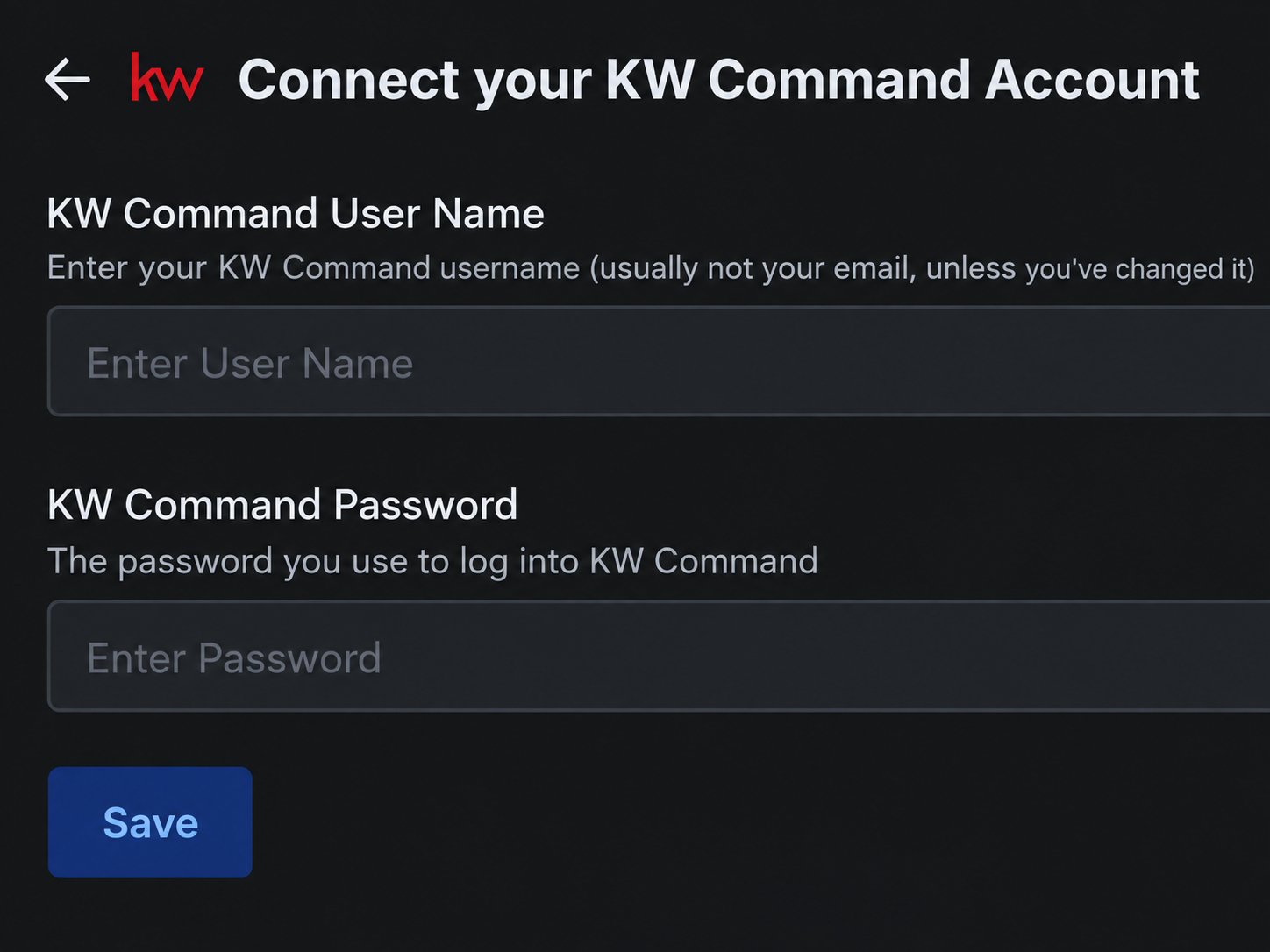
Enter the same values you use for KW Command in KW Command User Name and KW Command Password.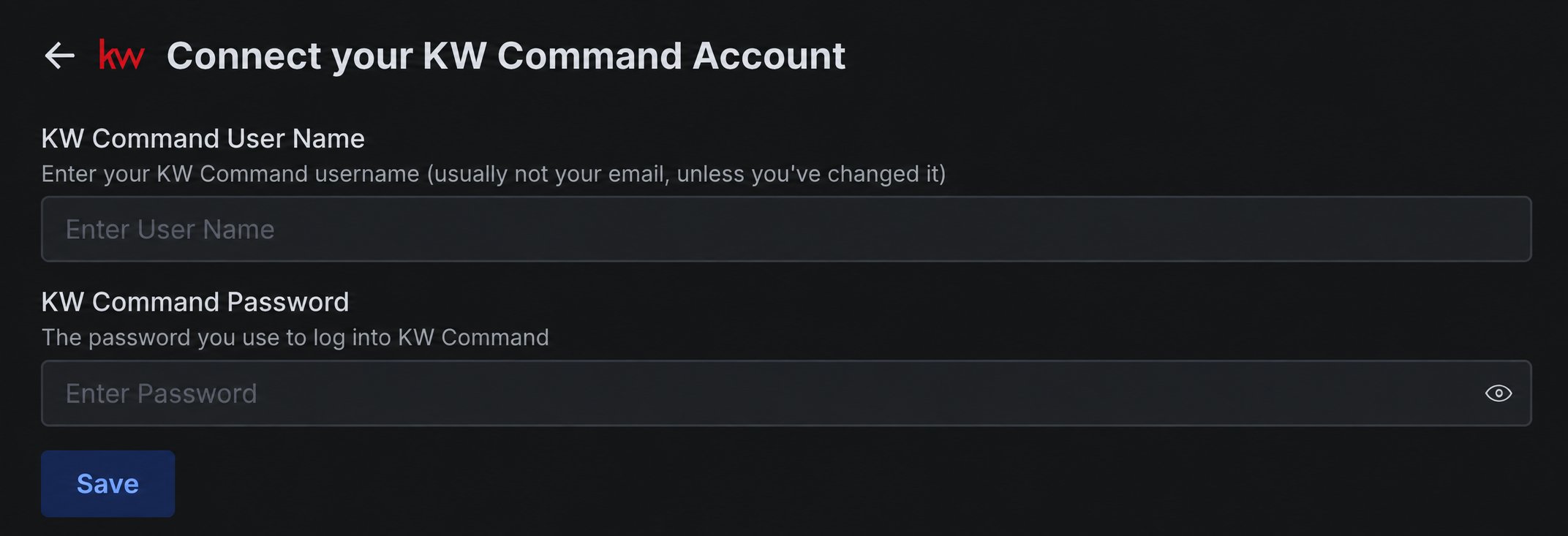
4
Save and enter the verification code
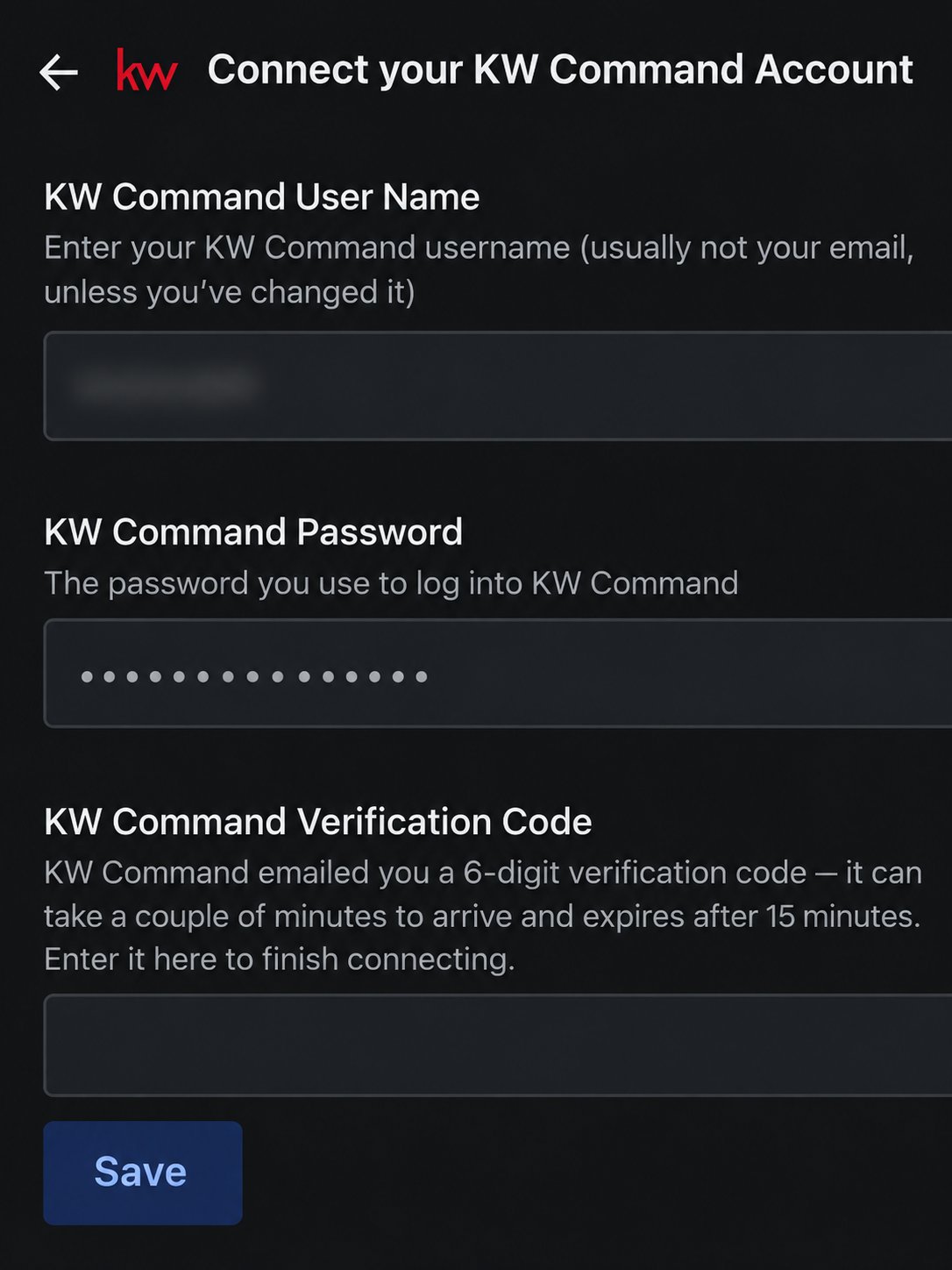
Select Save. When KW Command Verification Code appears in the same connection form, check your KW Recovery Email for the six-digit code, enter it in that field, and select Save again. The code can take a couple of minutes to arrive and expires after 15 minutes.Keep the connection window open while waiting for the code. Use the newest code if you requested more than one.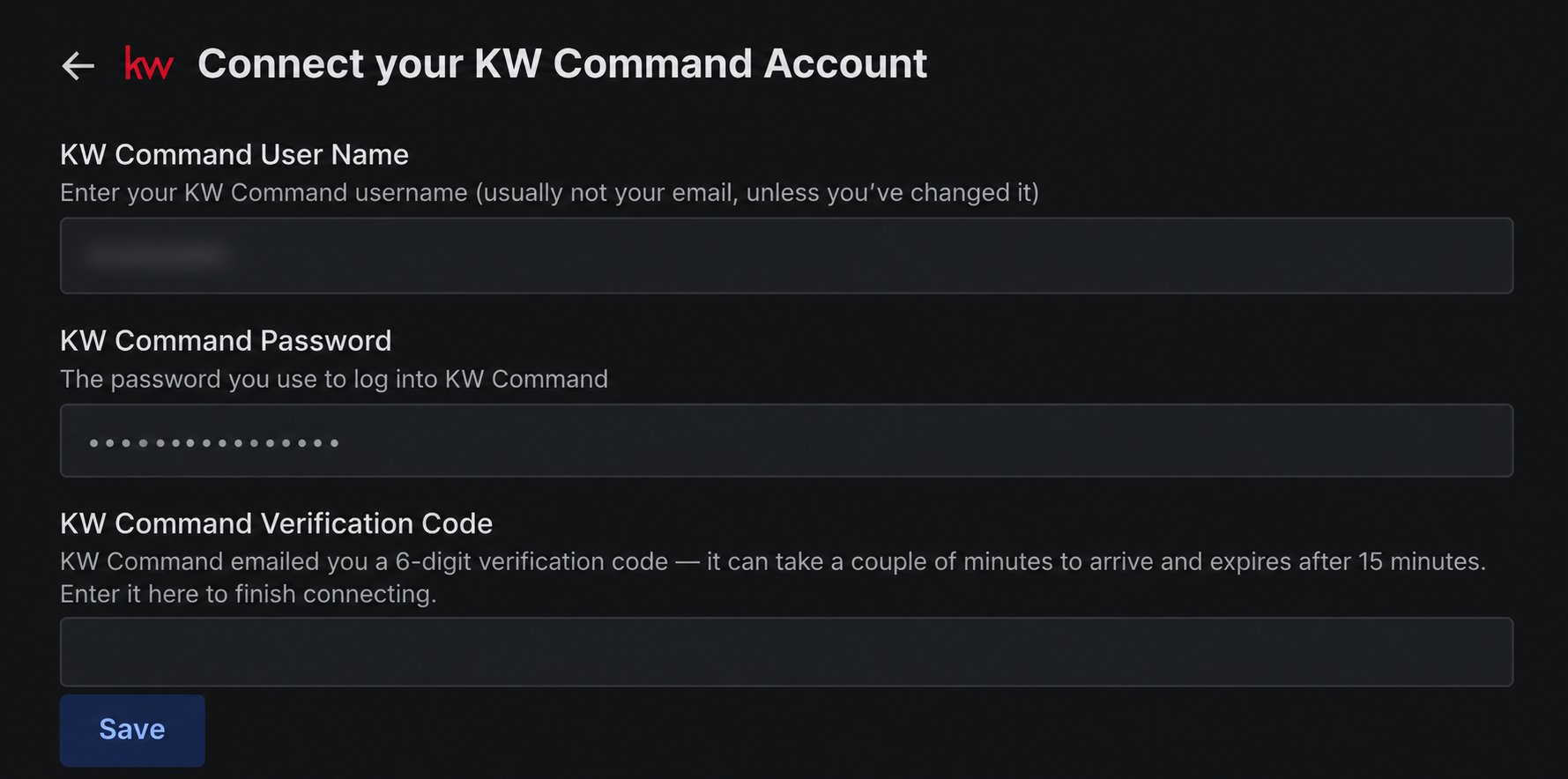
5
Confirm the connection
After KW accepts the code, the verification field closes and the KW Command connection page shows a masked version of your username with a Delete button. This confirms the credential was saved.
If the connection does not finish
The verification code does not arrive
The verification code does not arrive
Check the inbox, spam, and trash folders of your KW Recovery Email for a message from
authn@verify.kw.com with the subject KW Authentication Code Verification.If you cannot access that inbox, recover or change the KW Recovery Email before restarting the connection. In KW Command, open My Profile → Account Access → Login Credentials → Edit. Updating it requires verification through the existing recovery email; if that is unavailable, ask your Market Center leadership to help confirm and change it.Update your KW Password Recovery Email
Follow Keller Williams’ official recovery-email instructions
KW Command presents an additional security challenge
KW Command presents an additional security challenge
Complete the challenge in KW Command, then restart the connection. Some account security challenges cannot be completed inside the connection window.