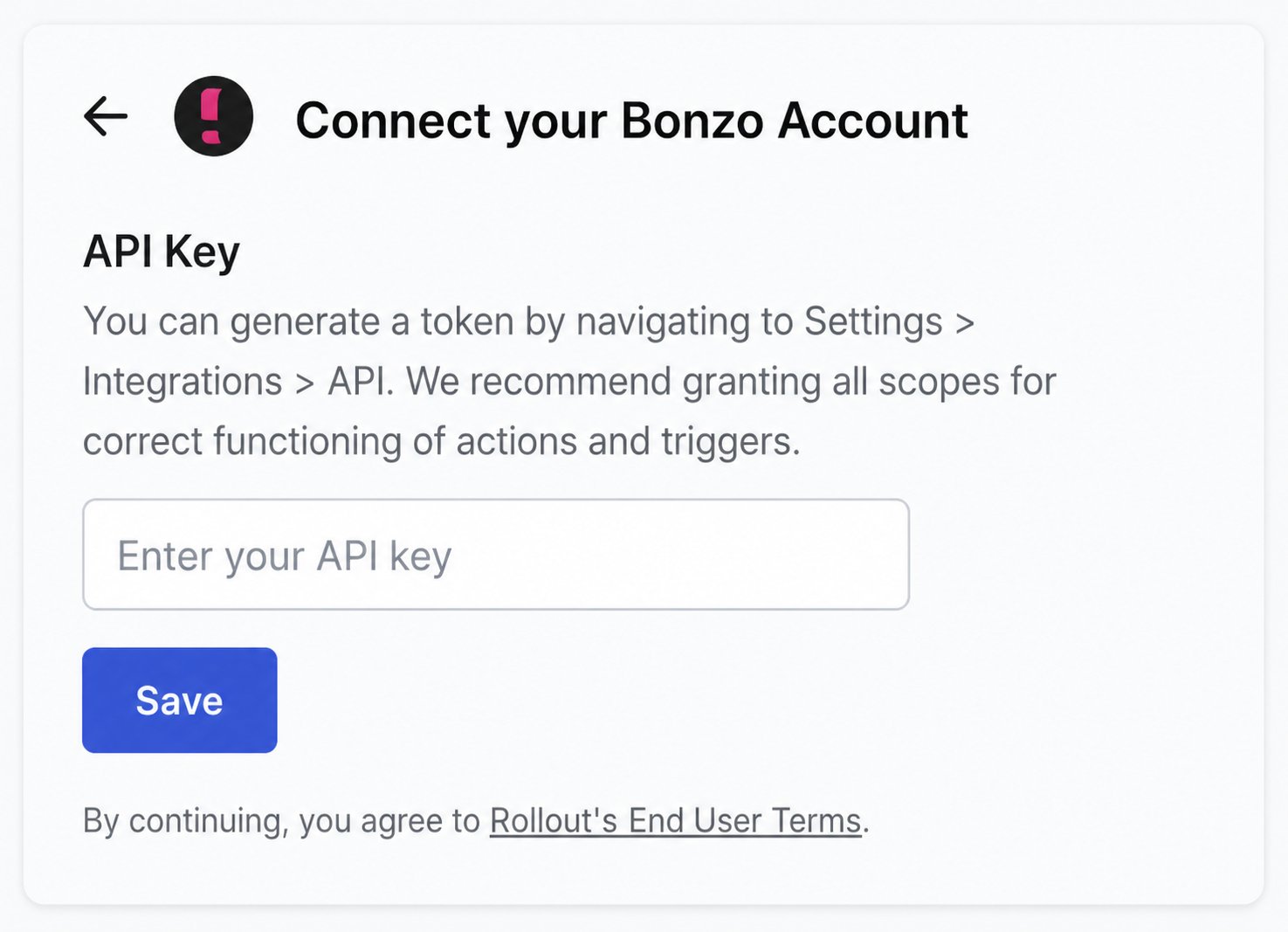
Create your Bonzo API token
1
Open API settings
Sign into Bonzo, open Settings, then select Integrations → API. Select + Add token.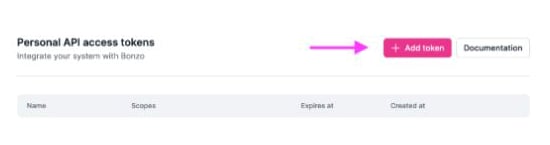
2
Name the token and choose permissions
Name the token Rollout, then select every available scope.Tokens inherit the permissions of the Bonzo user who creates them. Use a Team Lead or Admin account when Rollout must access prospects belonging to multiple users.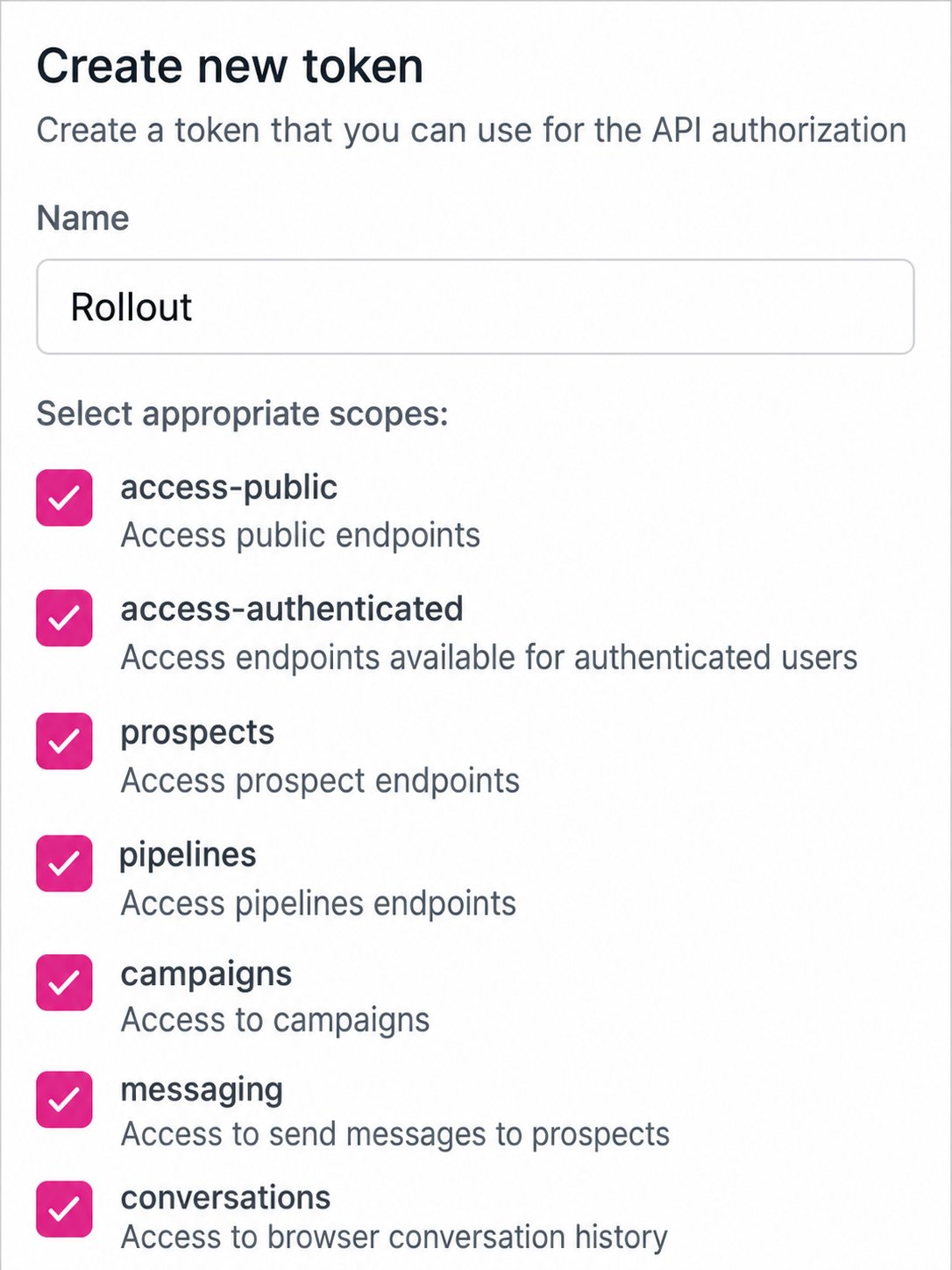
3
Create and copy the token
Select Create, then copy the token immediately. Bonzo does not show the token again after the window closes.
4
Paste the token into Rollout
Return to the Bonzo connection form, paste the value into API Key, and select Save.