Let’s connect your account
You must be a Sisu team administrator or transaction coordinator with access to Team Settings.1
Open Team API Credentials
Sign into Sisu, then open Admin → Team Settings → API Credentials/Webhooks.You can also open the Sisu API Credentials page directly after signing in.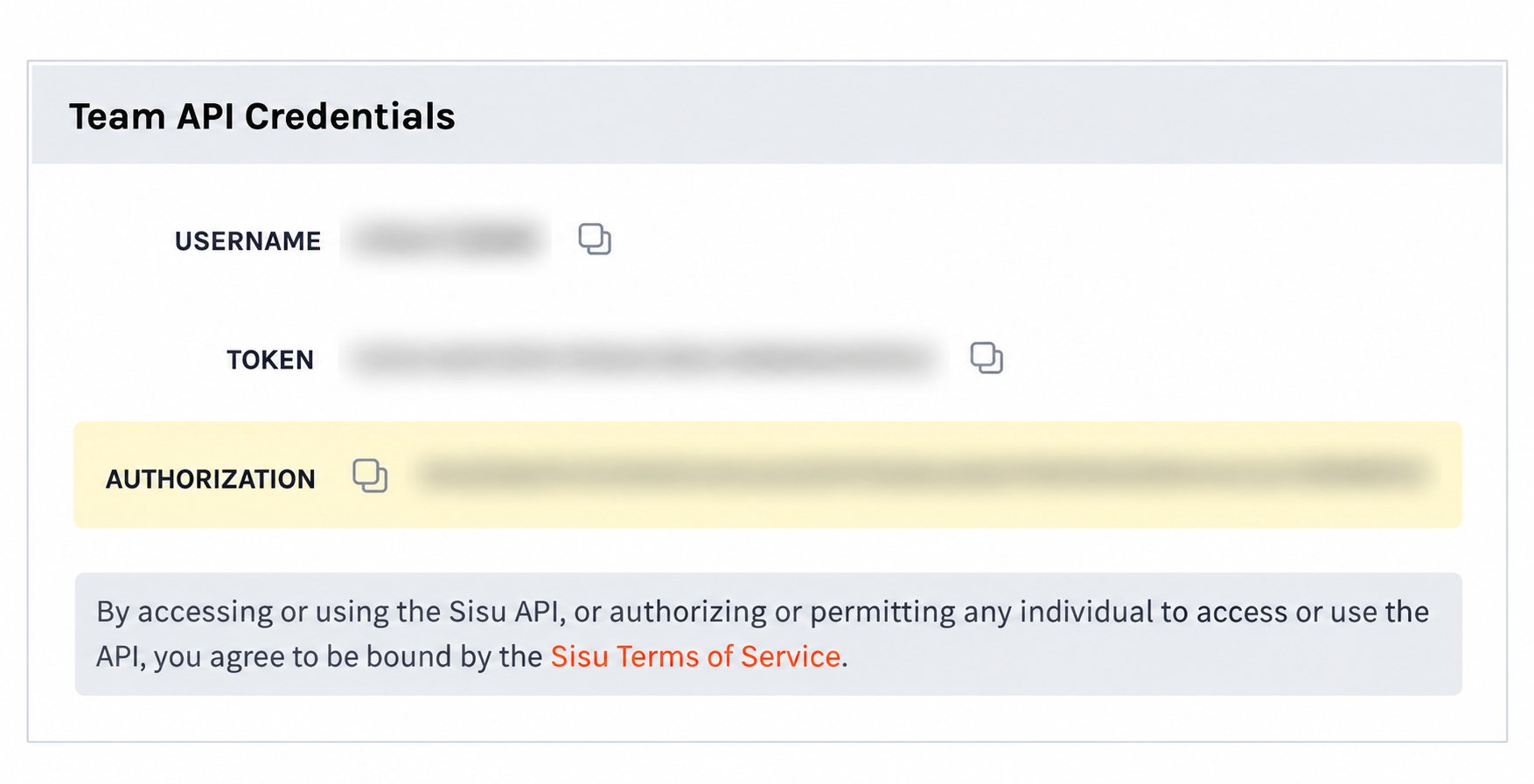
2
Copy Authorization
In Team API Credentials, use the copy icon beside Authorization. Rollout requires the Authorization value, not the separate Username or Token values.
3
Open the Sisu connection
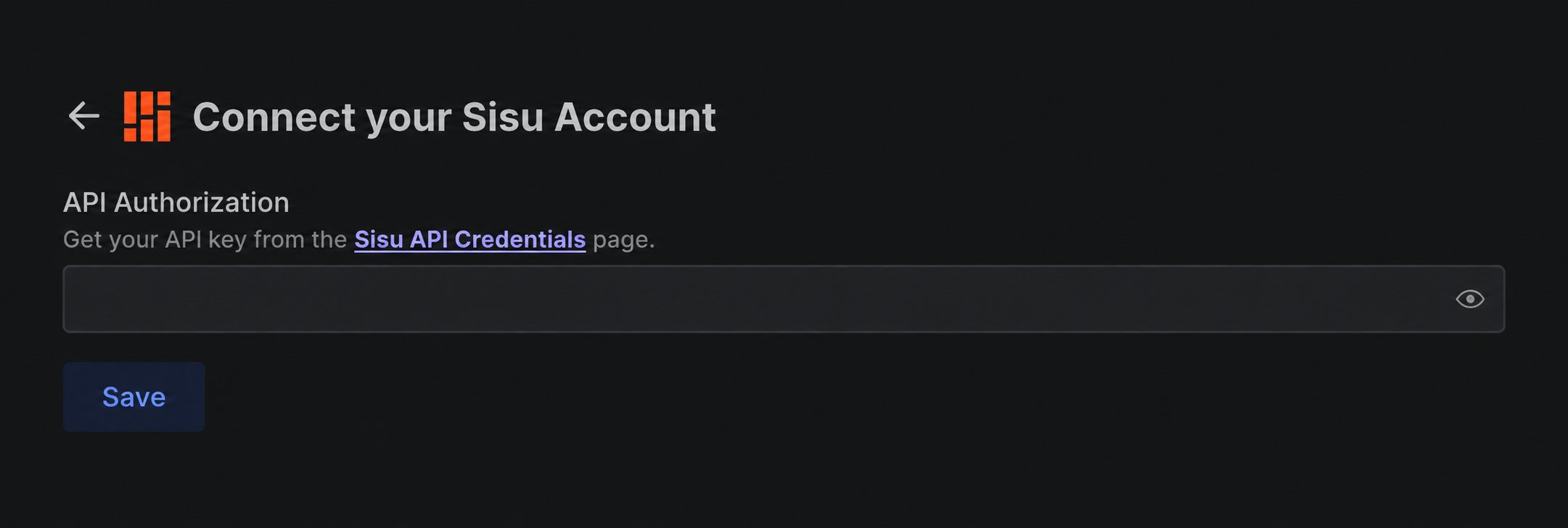
In the product you are connecting, choose Sisu. The Connect your Sisu Account window opens.
4
Paste the value and save
Paste the copied Authorization value into API Authorization, then select Save.