

Build integrations in days, not months. Rollout is the universal API layer for real estate software — connect to every major CRM, TMS, and LOS through a single integration.
1B+
API calls per month
37+
Supported integrations
10x
Target customer ROI
The Integration Problem in Real Estate and Mortgage
Every real estate software company faces the same challenge: your customers use Follow Up Boss. Or Lofty. Or CINC. Or Sierra Interactive. Or one of dozens of other systems. Each one has a different API, different auth flows, and different data models. The traditional approach:- Build and maintain integrations one-by-one
- Handle OAuth flows, token refresh, and auth edge cases for each system
- Normalize data models across incompatible schemas while learning painful CRM/TMS/LOS-specific data nuances
- Secure sandbox/test accounts for each integration, which usually requires one-by-one partnerships with each provider
- Debug when upstream APIs change without warning
- Scale your integrations team as customer demands grow
- One API, one auth flow, one data model
- We handle the upstream complexity
- You ship features, not integrations
What is Rollout?
Rollout is a universal API and embedded authentication layer purpose-built for real estate software. It connects your product to your customers’ CRMs, transaction management systems (TMS), loan origination systems (LOS), and email providers through:- A single, normalized REST API — read and write contacts, transactions, and activities the same way across all systems
- A drop-in authentication UI — Rollout Link handles OAuth flows, API key collection, and credential management
- Real-time sync options — webhooks for event-driven architectures or Sync to DB for direct database access
CRMs
Follow Up Boss, Lofty, CINC, LionDesk, Sierra Interactive, Real Geeks, and more
Transaction Management
SkySlope, Dotloop, Open to Close, Sisu, ReZEN, and more
Loan Origination
Encompass (ICE), and more
Gmail, Outlook, Constant Contact, and more
Calendar
Google Calendar and more
How it Works
Five steps to production:- Generate an auth token on your server using your Client ID and Client Secret
- Embed Rollout Link — users see a polished UI to connect their accounts
- Store the credential ID returned when they authenticate
- Call the Universal API — one consistent interface regardless of the underlying system
- React to changes via webhooks or Sync to DB
What You Build vs. What Rollout Handles
- You Build (~1-2 days)
- Rollout Handles
- A server endpoint that mints JWT tokens
- A frontend page that renders Rollout Link
- Storage for credential IDs (a single column in your users table)
- API calls to Rollout’s Universal API
- (Optional) Webhook endpoint for real-time updates
What It Looks Like
- Light mode
- Dark mode
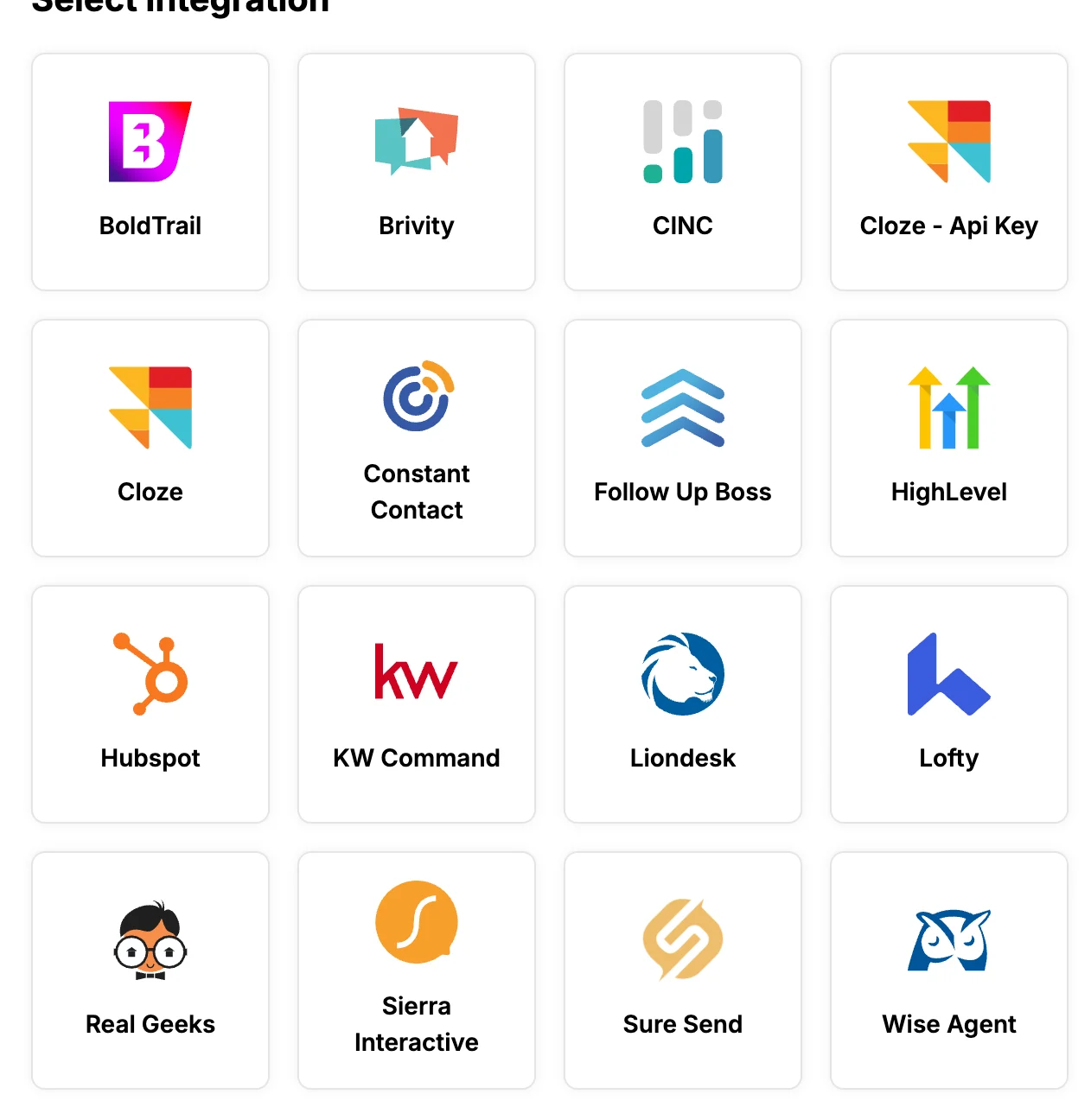
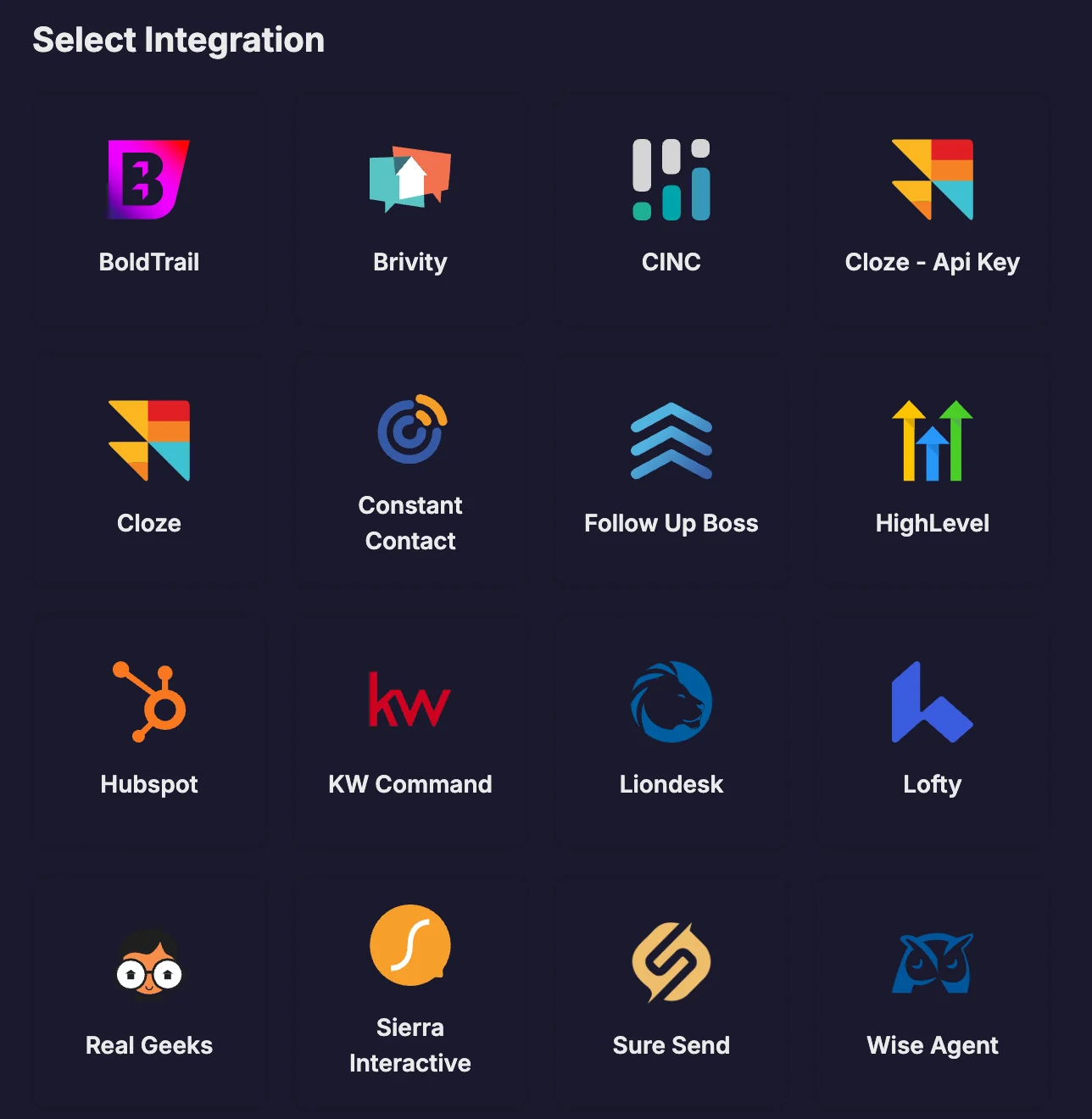
CredentialForm component.
Security & Compliance
SOC 2 Type II
Annual audits covering security, availability, and confidentiality
Data Encryption
TLS 1.3 in transit, AES-256 at rest for all credentials
Signed Webhooks
HMAC SHA-256 signatures on every webhook for authenticity verification
No Browser Secrets
JWTs are generated server-side — client secrets never touch the frontend
Why Teams Choose Rollout
Faster time-to-market
Faster time-to-market
Ship integrations in days instead of weeks or months. Rollout has established partnerships and access to endpoints that are not typically exposed through public APIs, so one integration unlocks all supported systems.
Reduced engineering burden
Reduced engineering burden
Stop maintaining auth flows, debugging upstream API changes, and normalizing data. Avoid spending over a year on dedicated one-by-one partnership work with each provider — Rollout handles the complexity so your team can focus on core product.
Future-proof architecture
Future-proof architecture
When a customer asks for a new integration, enable it in Rollout Link without changing your backend. Our Universal API design means zero code changes for new connectors.
Better user experience
Better user experience
Rollout Link provides a consistent, polished auth experience. Users connect accounts in seconds with clear error handling and status feedback.
Get Started
Get your API key
Obtain credentials to start building
Show Rollout Link
Embed the auth UI in your app
Make API requests
Read and write data via the Universal API
Use webhooks
React to changes in real-time
Sync to DB
Stream data directly to your database
API Reference
Explore endpoints and schemas
Try the Demo
See Rollout in action — connect a test CRM and make API calls in our interactive demo.