

What Sync to DB Is
Sync to DB is a SQL interface to the same normalized data model exposed by Rollout APIs. Instead of writing into your own database, Rollout provisions and manages a hosted Postgres database for your account.Database Model and Ownership
- Supported engine: Postgres (hosted and managed by Rollout).
- Primary tables: written and managed by Rollout.
- Your access: read/query primary tables; add your own indexes, views, and additional tables.
- Important: treat Rollout-managed primary tables as read-only from your side.
How Data Flows
- Rollout performs full and incremental syncs from upstream systems.
- Rollout normalizes that data into our internal model.
- CRUD events from Rollout’s primary datastore are propagated to Sync to DB.
Choose which data is synced
Sync to DB receives the data Rollout syncs for each connection. Enable the optional entities your app needs, such as notes or tasks, before expecting their records in the database. Enabling Sync to DB does not itself enable every entity. When adding a type to an existing connection, update that credential and allow its sync to run.Freshness and Data Guarantees
- Delivery model: eventually consistent.
- Primary DB -> Sync to DB lag: typically on the order of seconds.
- End-to-end freshness: depends on upstream connector capabilities (webhooks vs polling) and entity type.
Detecting Initial Sync Completion
If you need to know when a credential’s first sync has completed and Sync to DB is ready, configure callback URLs in Dashboard Settings and handle the credential sync completion callback.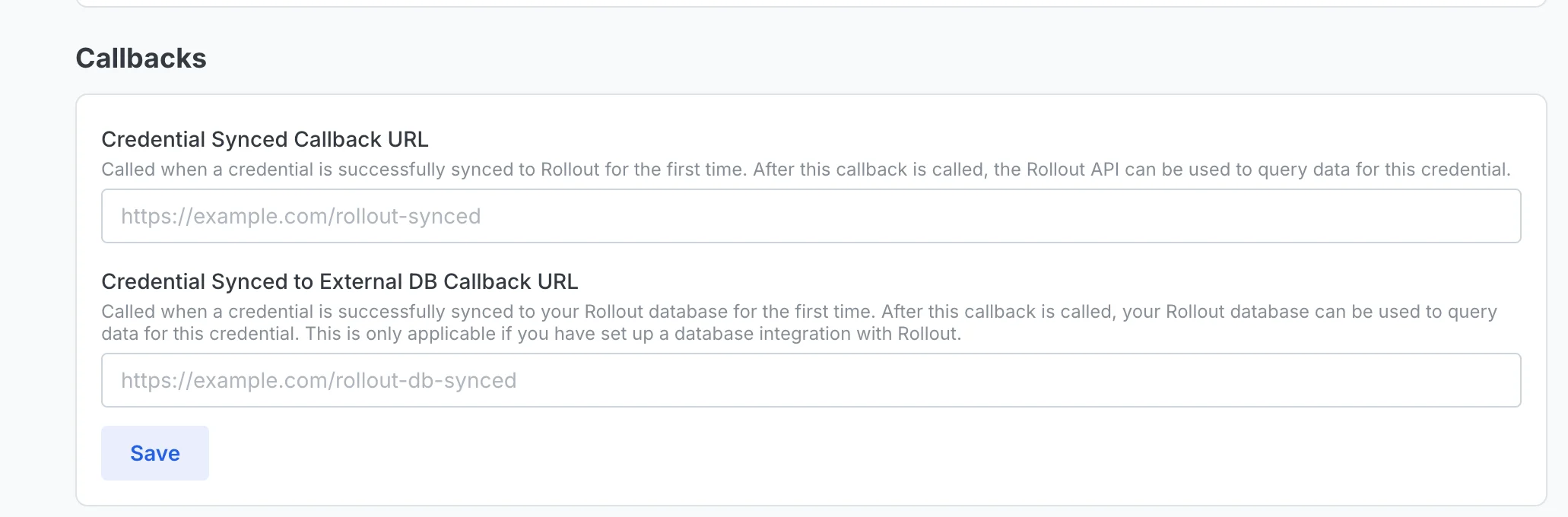
- Payload and security details: How to use Webhooks
Schema Changes and Notifications
- Schema changes are relatively infrequent because tables map to Rollout API response shapes.
- Additive fields may be introduced with limited notice.
- Breaking changes/deprecations are communicated well in advance (typically months).
- Handle additive fields safely.
- Keep transformations resilient to nullable/new columns.
- Monitor release notes and your shared support channel for change notifications.