

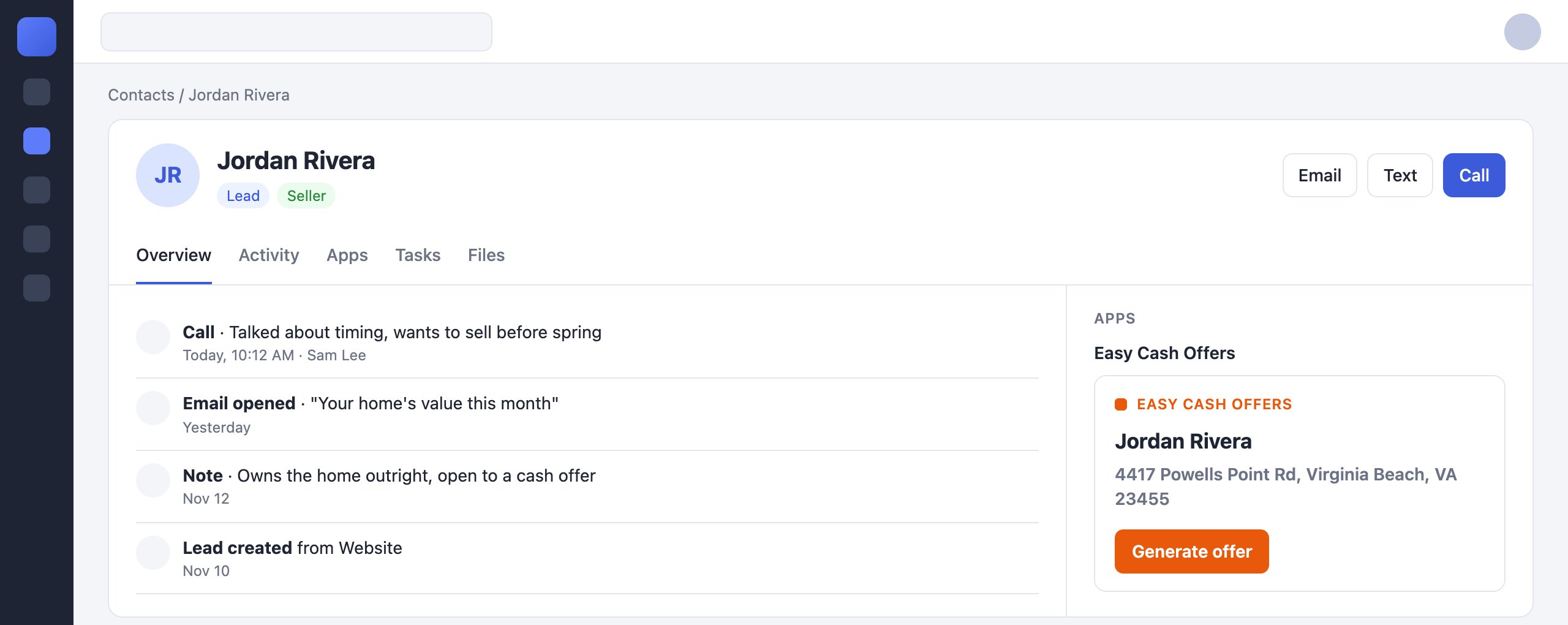
An app, Easy Cash Offers, on a contact in a CRM. The CRM shown is an illustration: each CRM places its apps in its own layout.
How a launch works
Every time the agent opens another contact, Rollout loads your page again with a new context for that contact.What you build
- A web page at an
httpsURL, which Rollout loads in an iframe. - A signature check on your server, with your Rollout client secret. About ten lines of code.
- One script tag, Rollout’s app script, which tells Rollout your page is ready and how tall it is.
Start here
Quickstart
Get a working app showing a signed context in about 15 minutes.
Verify the context
Check every launch’s signature, expiry and replay, in Node or Python.
Context fields
Everything Rollout tells you about the agent and the contact.
Build the page
Sizing, framing headers, sign-in and the iframe’s limits.
List your app
Submit your app to CRMs’ marketplaces and track its review.
Read CRM data
Use the Universal API to read more about the contact than the context carries.
Current limits
- Apps show on contact (person) records only.
- Rollout sets up each app publisher. Contact us to get started.
- No emails are sent when your listing is reviewed. Check the dashboard.
- An app has one URL for every marketplace. There is no versioning, no per-app secret and no sandbox marketplace yet.
Building a CRM, and want to run a marketplace of apps like these?
Contact us.