Let’s connect your account

1

Open API Access in Cloze

Sign in to the Cloze account you want to connect:

Open Cloze

Open Cloze in a new tab
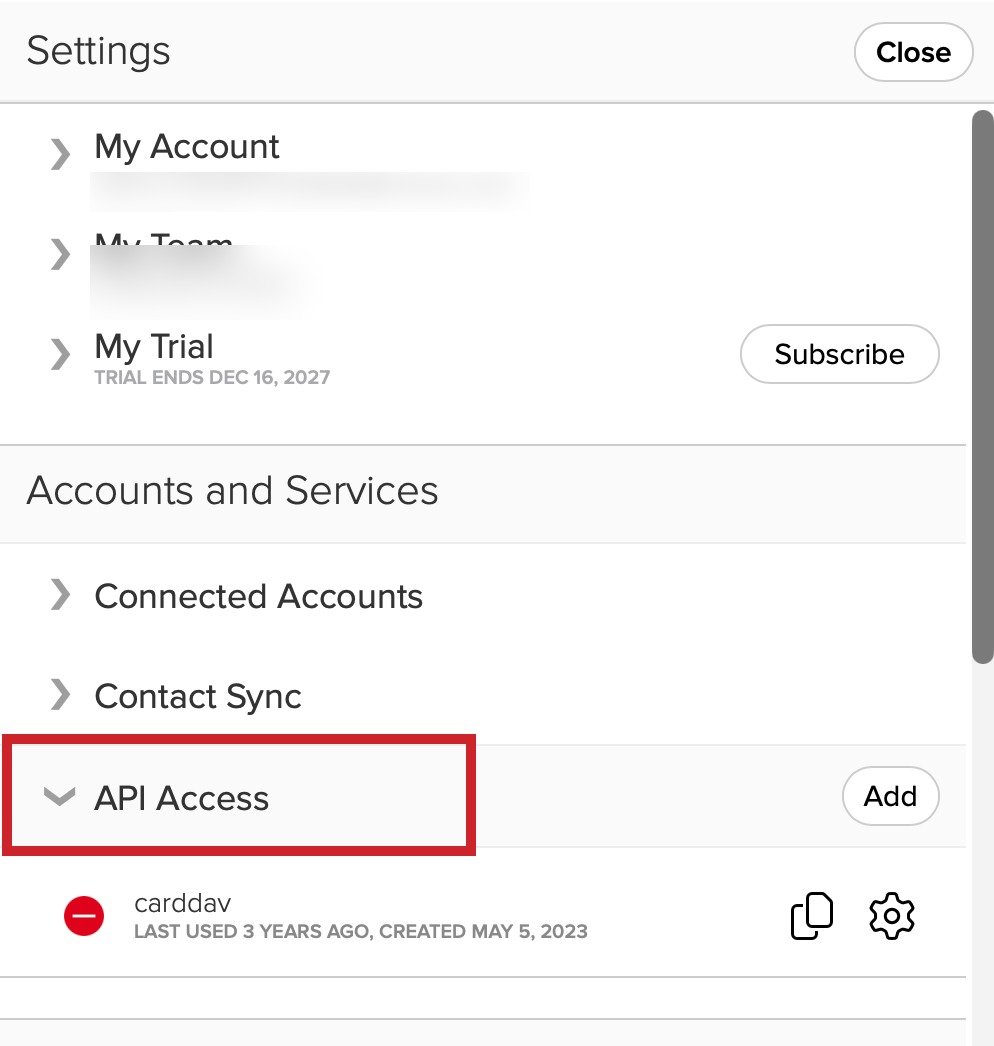
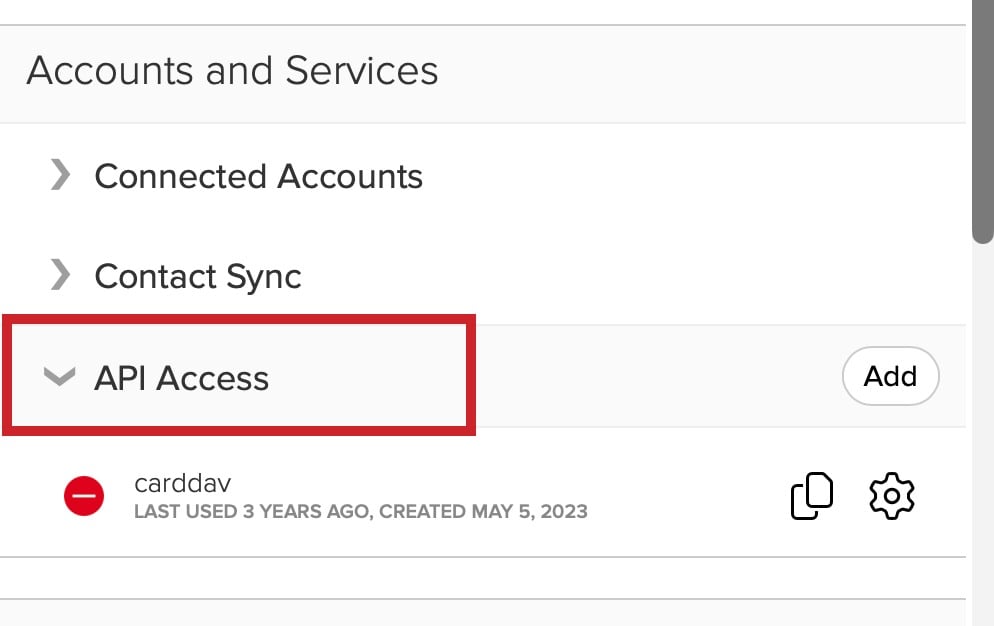
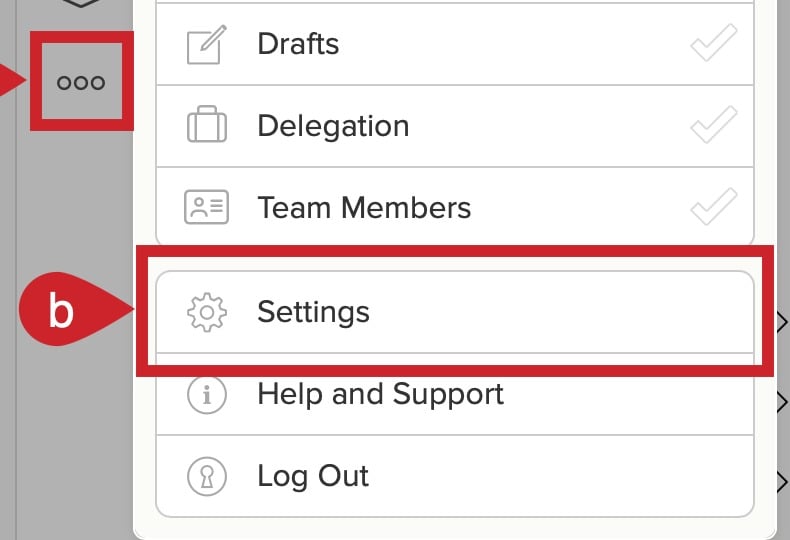
On a computer, select More → Settings. Under Accounts and Services, open API Access.
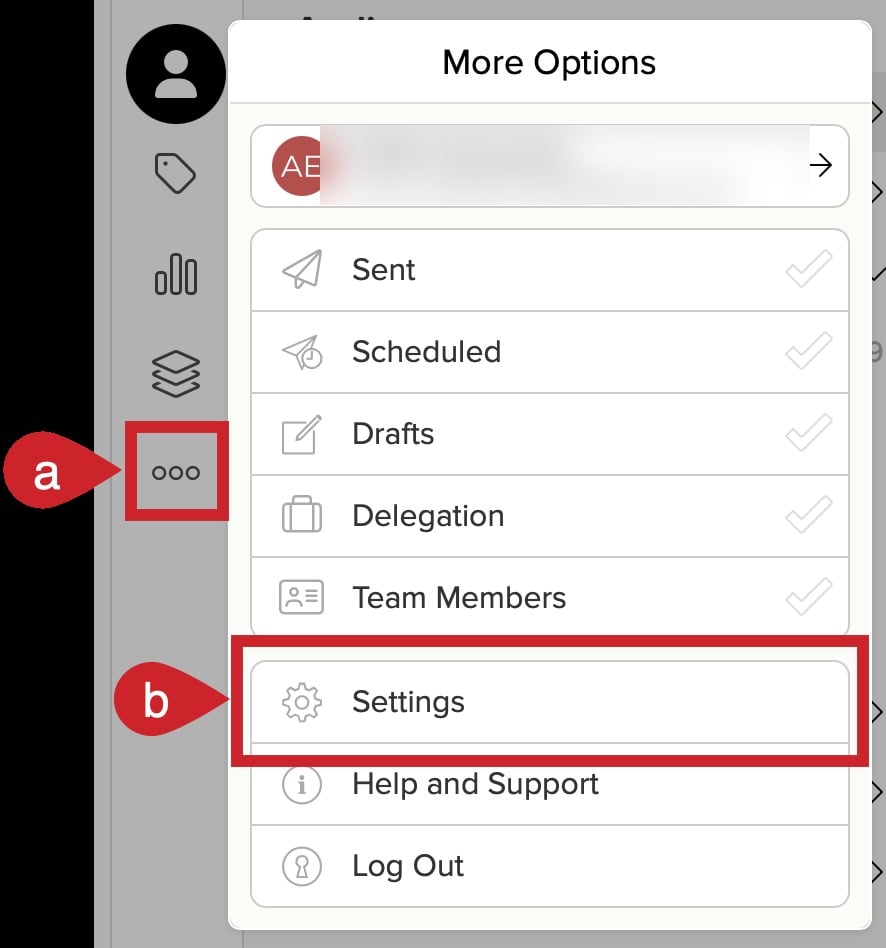
The Cloze More menu with account information blurred and More and Settings highlighted
A close-up of More and Settings in Cloze
Cloze Settings with Accounts and Services and API Access highlighted
A close-up of the API Access section in Cloze Settings
2

Copy your API key

Select the copy icon beside your API key. You will also need the email address used by this Cloze account.
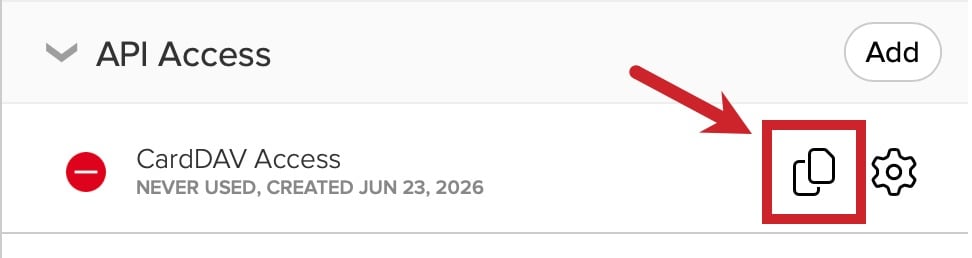
The Cloze API Access section with the API key copy icon highlighted
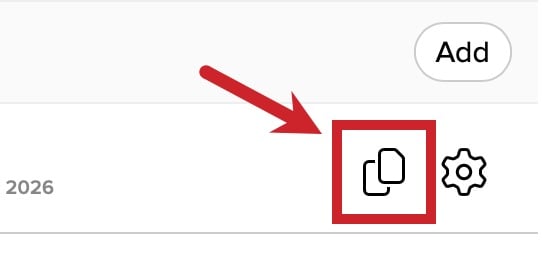
A close-up of the API key copy icon in Cloze
If API Access is not available in your account, contact Cloze support to request API access.
3

Enter your email and key

Return to the connection window. Enter your Cloze Account Email, paste the key into API Key, then select Save.
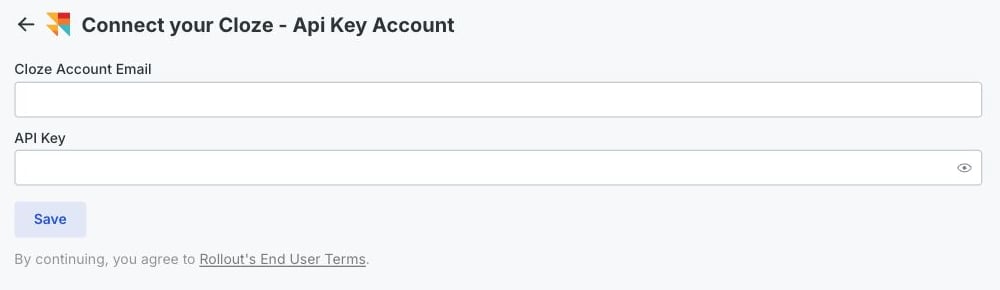
The Rollout-powered Cloze API Key connection form with the account email, API Key, and Save controls highlighted
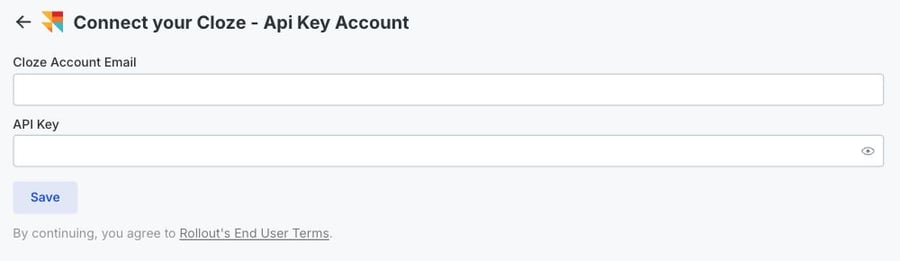
A mobile close-up of the Cloze account email, API Key, and Save controls
When the form saves, your Cloze account is connected.