

Let’s connect your account
1
Confirm your SureFire login
Open the official SureFire sign-in page and confirm that the email address and password for the account you want to connect work.ICE Mortgage Technology lists this address as the SureFire product login. If your company normally starts from an internal portal or SSO page, use that route to confirm your credentials before returning to the connection window.
Sign in to SureFire
Open the universal SureFire CRM sign-in page
2
Enter the login and save
In the product you are connecting, choose SureFire. Enter the same values in SureFire Email Address and SureFire Password, then select Save.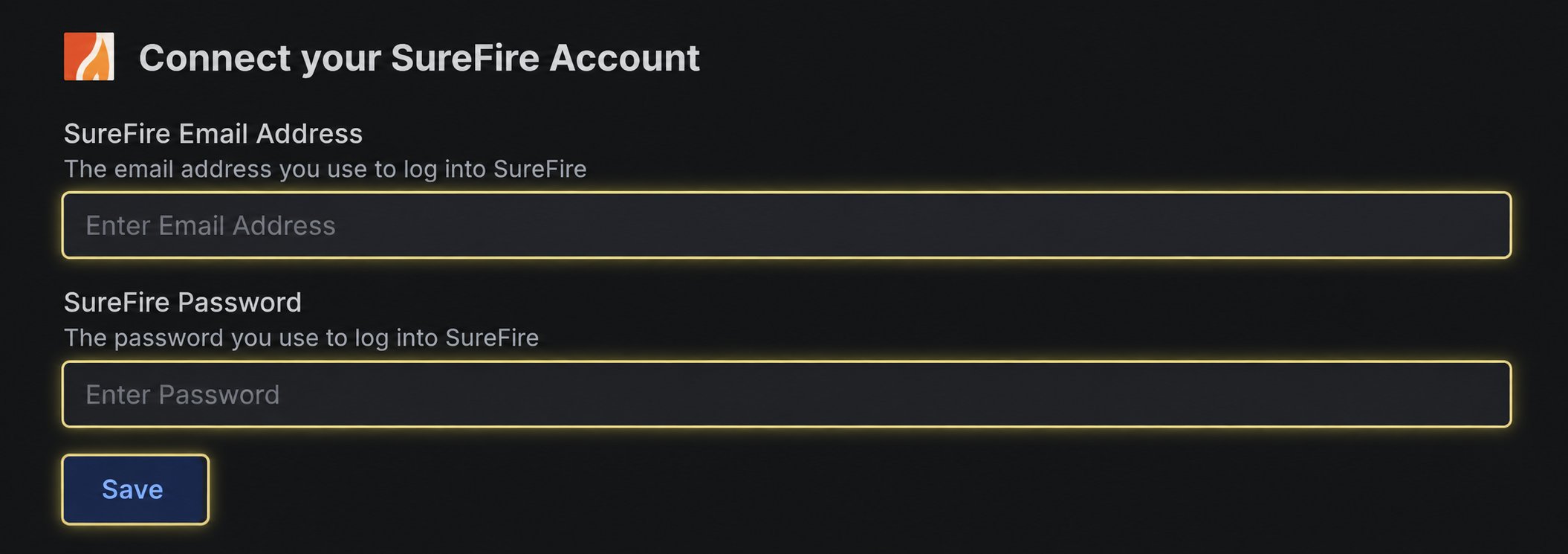
Official login reference
ICE Mortgage Technology product logins
Find the official SureFire Login link under Surefire
If the connection does not finish
The connection does not accept the login
The connection does not accept the login
Sign in to SureFire directly with the same email address and password. Complete any password reset or account verification requested by SureFire, then retry with the current credentials.