

Let’s connect your account
1
Get your API client credentials
These values are not your Total Expert sign-in credentials. Total Expert creates the client ID and secret pair for the integration. Ask your Total Expert account manager or your organization’s Total Expert integration administrator for the pair issued for your organization.You can copy and send this request:Replace
[production/test] with the environment you are connecting. Do not send your normal Total Expert username and password; those values will not work in this connection form.2
Enter the credentials and save
In the product you are connecting, choose Total Expert. Enter the issued API values using this mapping: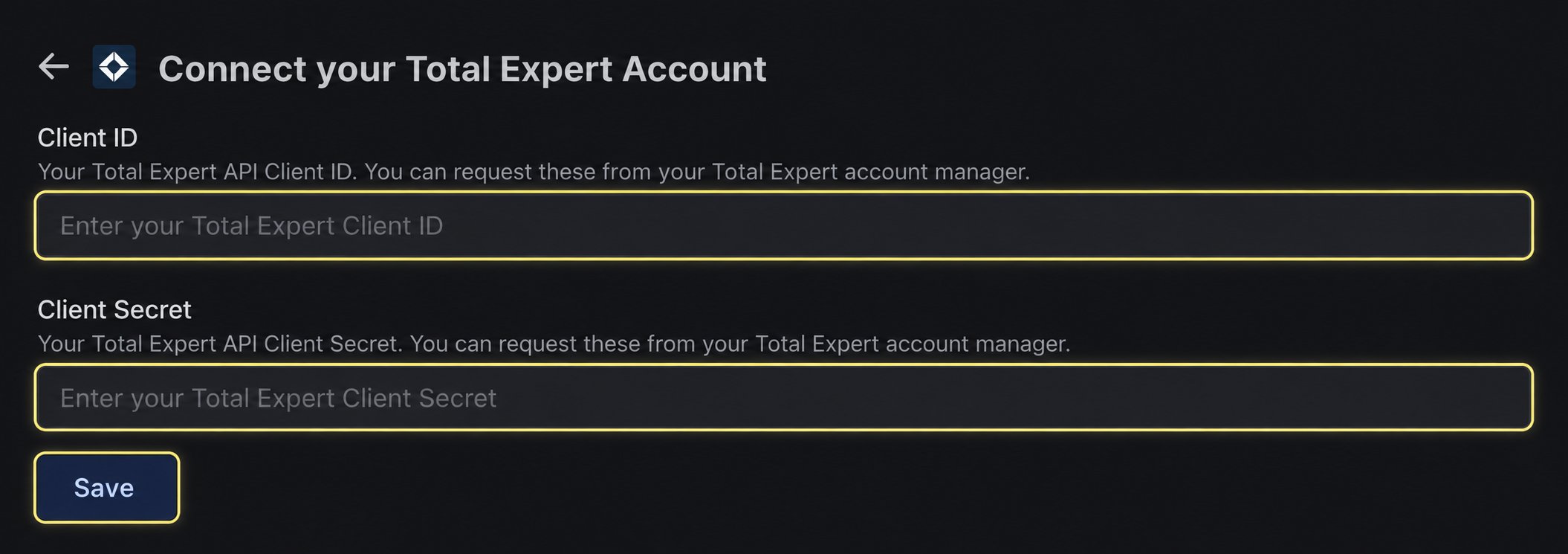
- Total Expert Client ID → Client ID
- Total Expert Client Secret → Client Secret
Technical reference
Total Expert API credentials
Review Total Expert’s technical explanation of client credentials
If the connection does not finish
Total Expert rejects the credentials
Total Expert rejects the credentials
Confirm that the Client ID and Client Secret were issued as a matching pair for the correct environment and have not expired or been revoked.