
Let’s connect your account

1

Open your integrations

Sign in to the Sierra Interactive account you want to connect, then use this shortcut:

Open Sierra Interactive Integrations

Open Integrations in a new tab
Can’t use the shortcut? Select the gear icon, then select Integrations.
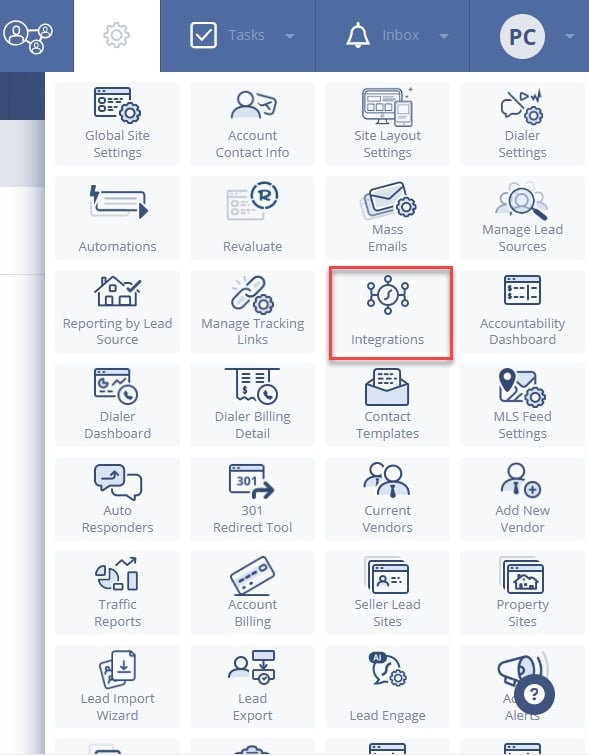
The Sierra Interactive settings menu with Integrations highlighted
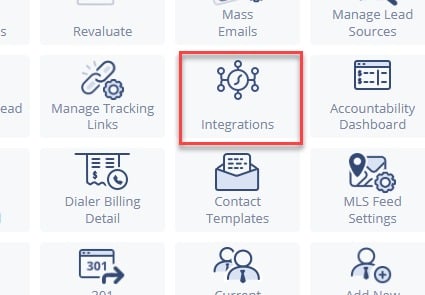
A close-up of Integrations in the Sierra Interactive settings menu
2

Copy your API key

Find Sierra Integrations, then select Sierra Interactive. Copy the API key shown there.
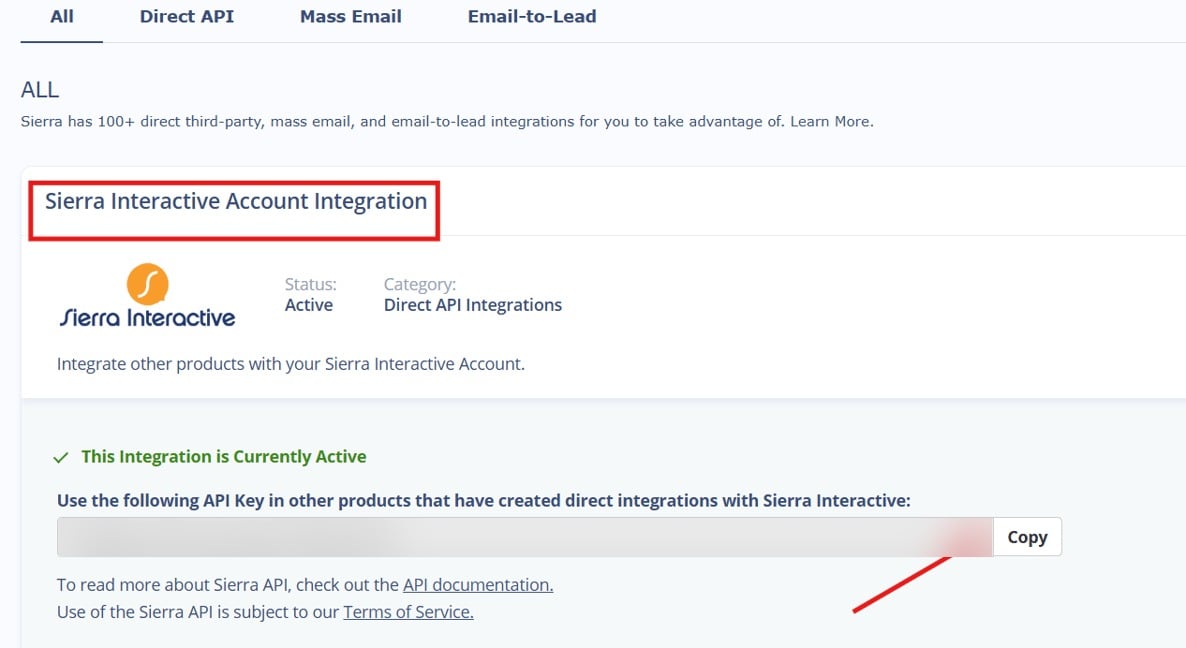
The Sierra Interactive Account Integration page with the API key blurred and Copy highlighted
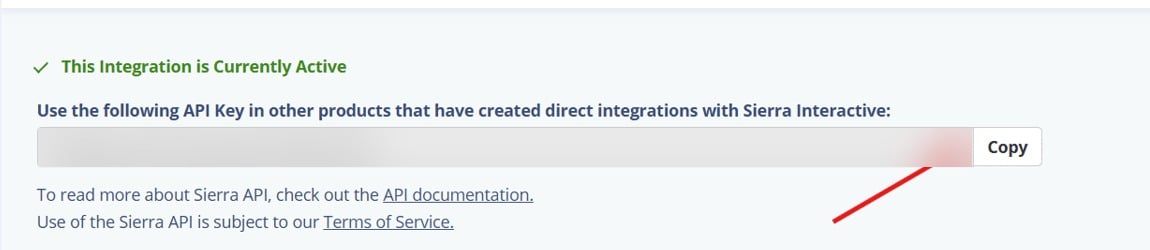
A close-up of the blurred Sierra Interactive API key and Copy button
Leave this tab open while you finish the connection.
3

Enter a label, paste the key, and save

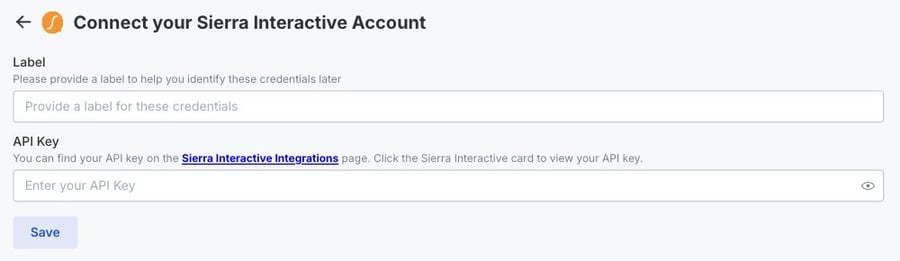
Return to the connection window. Enter a Label that identifies this connection, paste the key into API Key, then select Save.
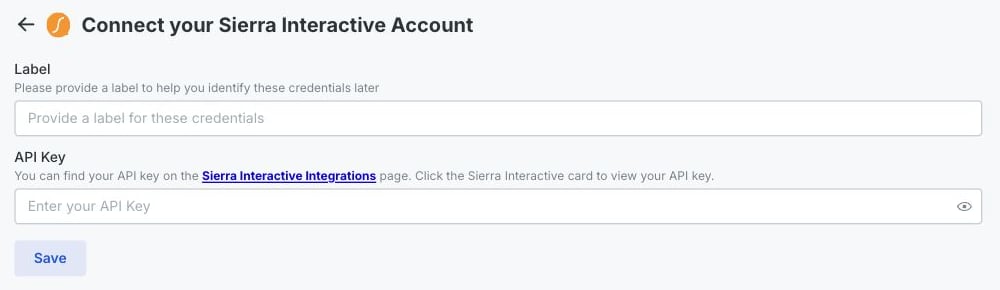
The Rollout-powered Sierra Interactive connection form with the Label, API Key, and Save controls highlighted
A mobile close-up of the Sierra Interactive Label, API Key, and Save controls
When the form saves, your Sierra Interactive account is connected.