

Let’s connect your account
1
Confirm the HubSpot account
Sign in to HubSpot directly and confirm that the account you want to connect appears in your account list.
Open HubSpot
Sign in to the HubSpot account you will authorize
2
Open HubSpot
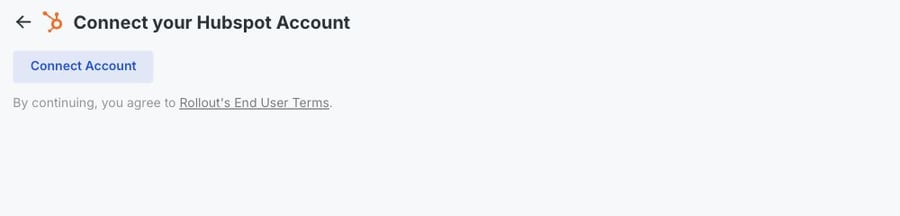
In the product you are connecting, choose HubSpot, then select Connect Account.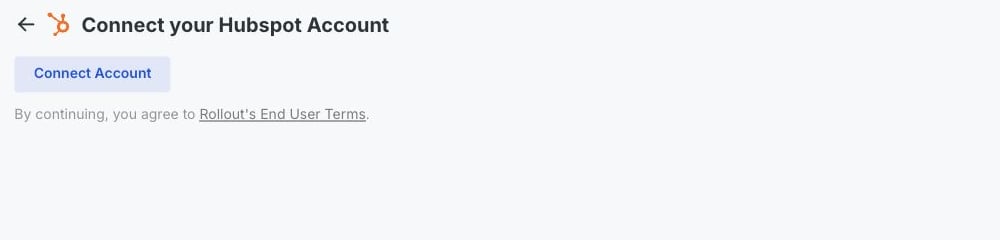
3
Sign in to HubSpot
Sign in with a HubSpot user who can authorize integrations for the account you want to connect.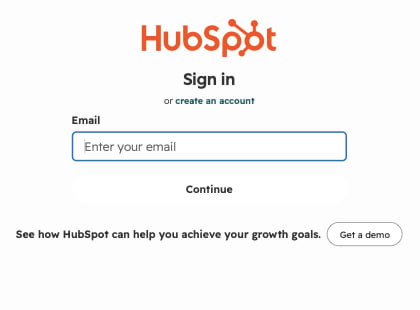
4
Choose the correct HubSpot account
On Connecting Rollout Dev to HubSpot, select the HubSpot account you want to connect, then select Choose Account.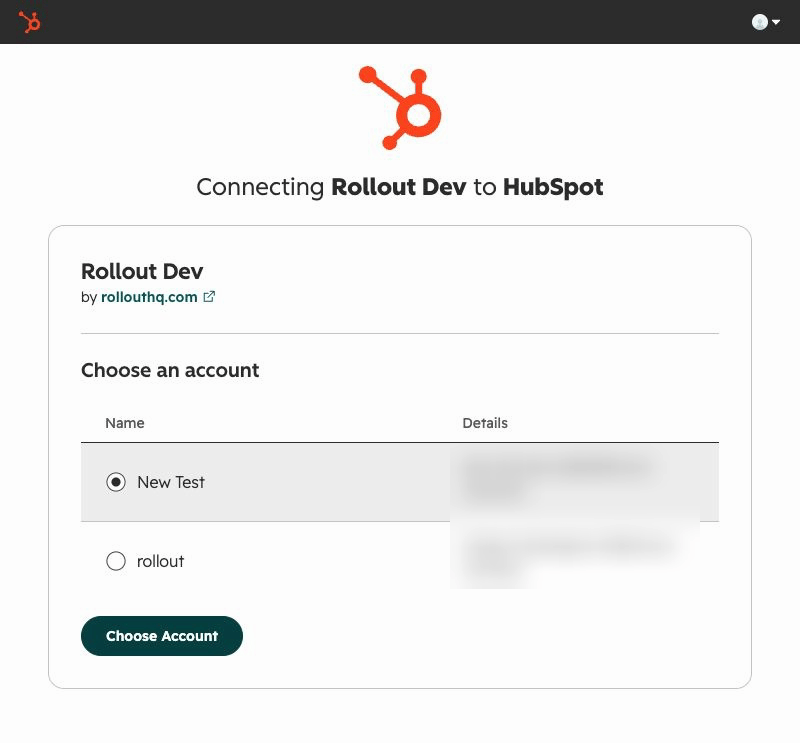
5
Review and connect the app
On the permissions page, confirm that the heading says Connecting Rollout Dev to HubSpot. Review the required access, then select Connect app.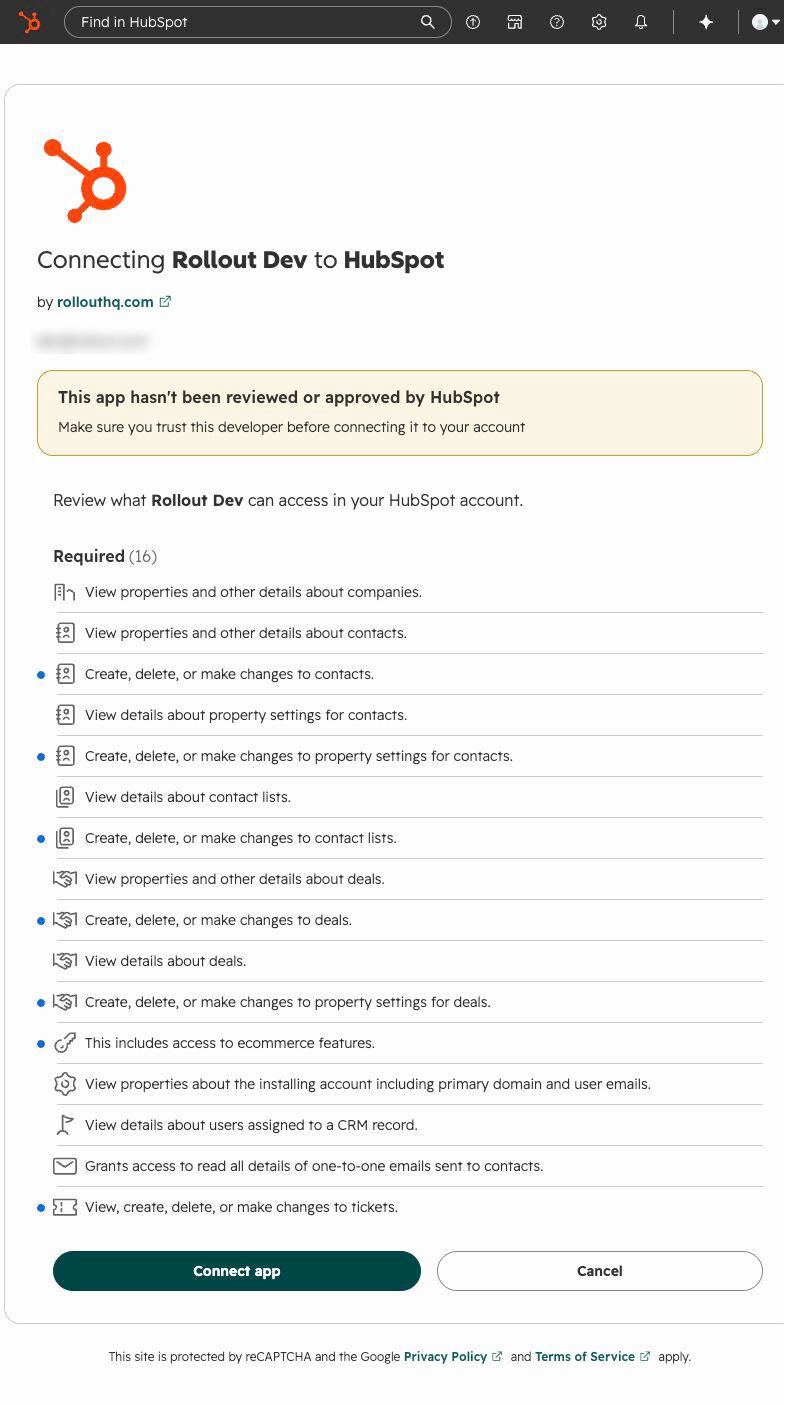
If the connection does not finish
HubSpot will not let you approve the connection
HubSpot will not let you approve the connection
Ask a HubSpot Super Admin to authorize the connection or grant your user the required app permissions.
The HubSpot page did not open
The HubSpot page did not open
Allow pop-ups for the product you are connecting, then select Connect Account again.