

Let’s connect your account
1
Check your Brivity account
Open Brivity and confirm that you can sign in to the account you want to connect. Keep the original connection window open.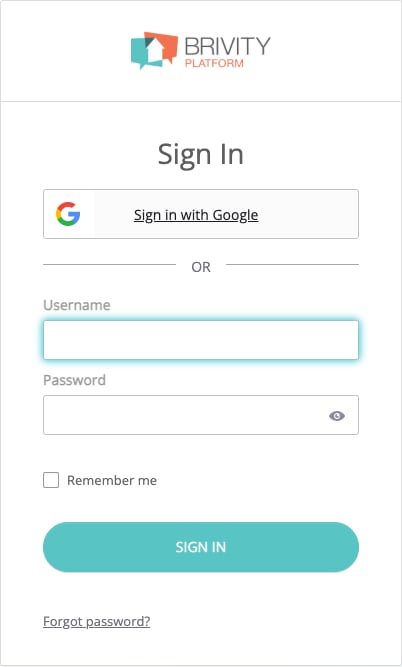
Open Brivity
Open the Brivity sign-in page in a new tab
If you normally use Sign in with Google, you will still need a Brivity password for this connection. See I normally sign in with Google below if you do not know it.
2
Enter your email address and password
Return to the connection window in the product you are connecting and choose Brivity.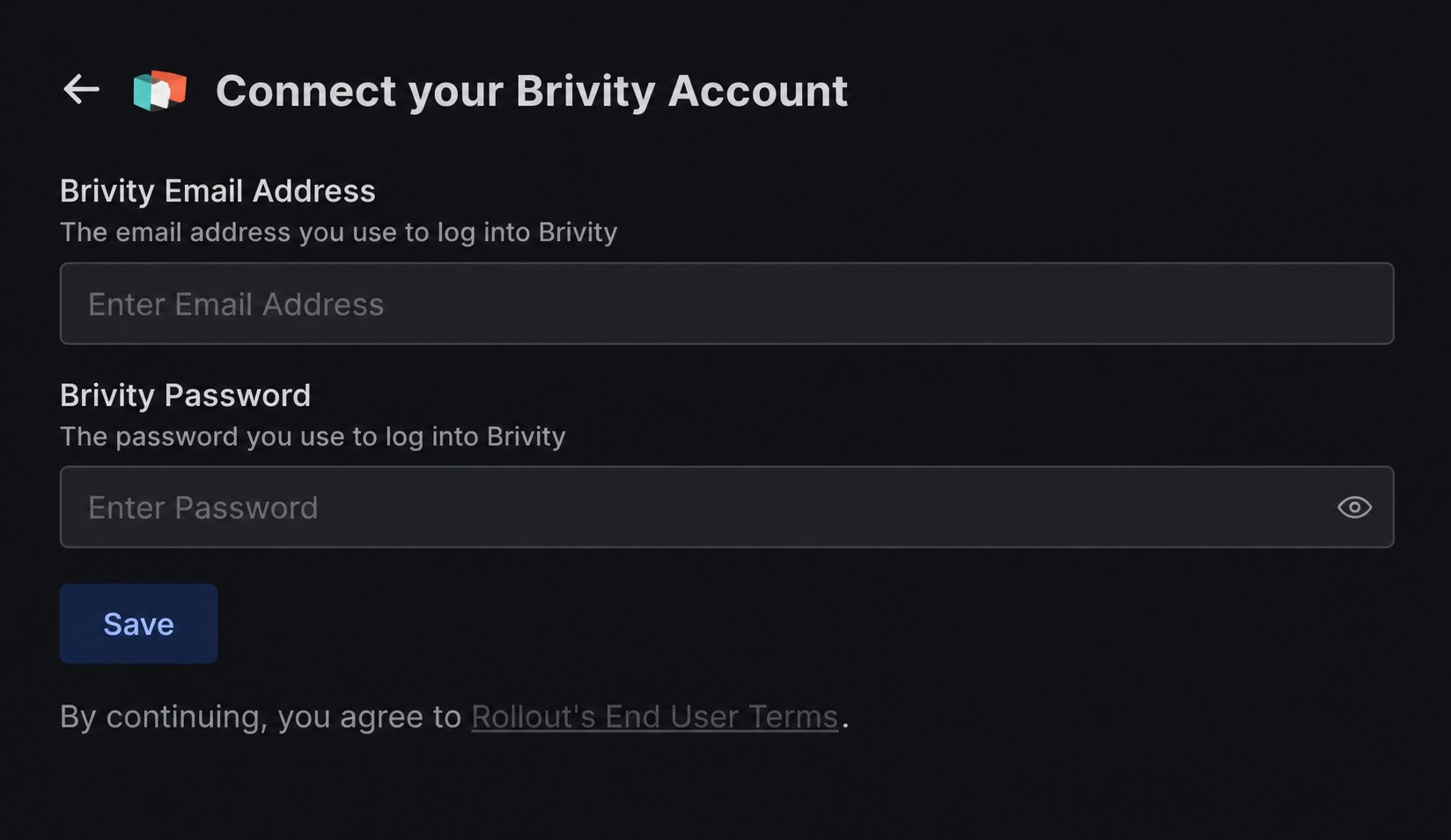
- Brivity Email Address: enter the email address associated with your Brivity account.
- Brivity Password: enter your Brivity password.
3
Save the connection
Select Save. Wait for the form to finish saving. Your Brivity account should appear in the product, or the connection should show as connected.If the form shows an error, follow the troubleshooting steps below and try again.
If the connection does not finish
I normally sign in with Google
I normally sign in with Google
This connection requires your Brivity account email and a Brivity password. Signing in with Google does not supply a password to the connection form.If you do not know your Brivity password, open Brivity and select Forgot password?. Follow Brivity’s recovery instructions. If you cannot recover a password for your account, contact Brivity support before continuing.
I do not know which email address to use
I do not know which email address to use
Use the email address associated with the Brivity account you want to connect. If you usually sign in with a username and are unsure of the account email, ask your Brivity administrator or Brivity support to confirm it.
The connection does not save
The connection does not save
Check that Brivity Email Address contains your account email and re-enter your Brivity password. If Brivity asks you to reset your password or complete account verification when signing in directly, finish that step and retry with your current password.If you can sign in to Brivity but the connection still fails, contact the team that sent you this guide. Share the error message, but keep your password private.