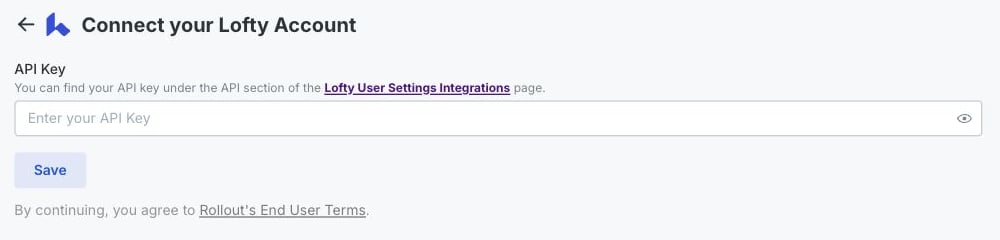
Let’s connect your account
1
Open your API settings
Sign in to the Lofty account you want to connect, then use this shortcut:Can’t use the shortcut? In Lofty, select the Settings icon, then go to My User Settings → Integrations. Scroll to API Keys.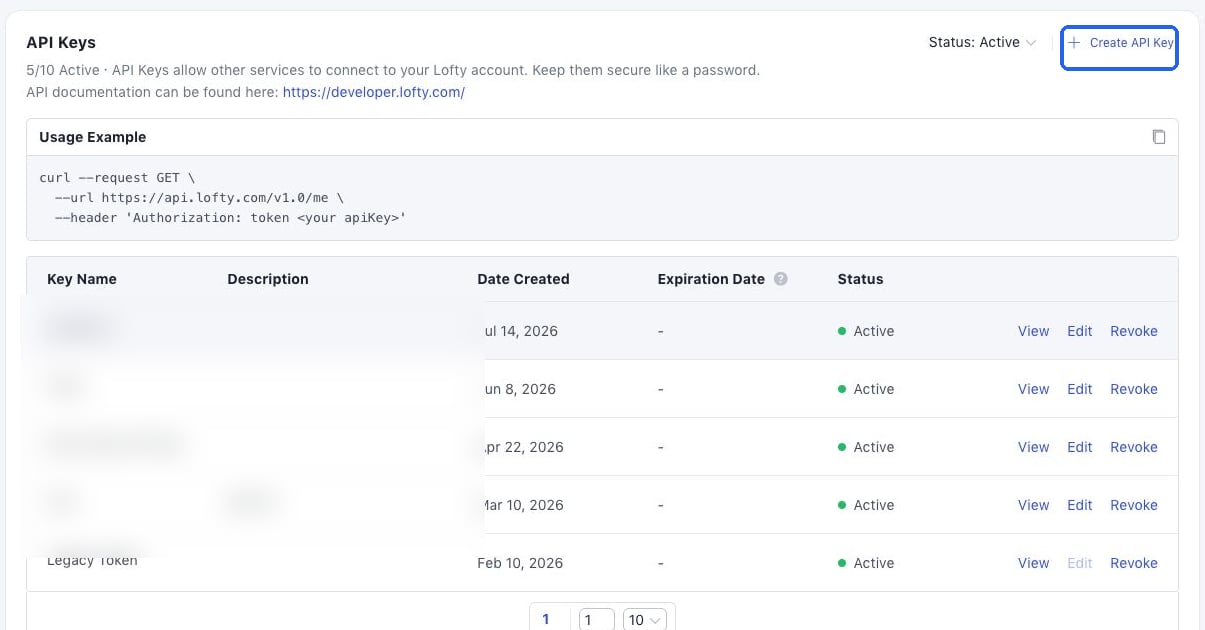
Open Lofty Integrations
Open My User Settings - Integrations in a new tab
2
Create and copy your key
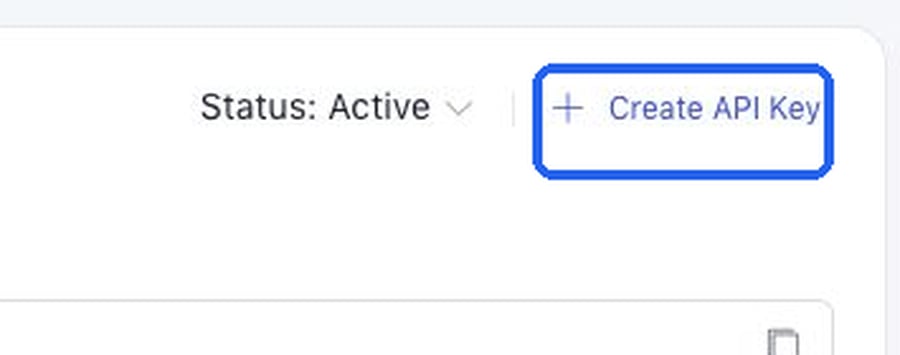
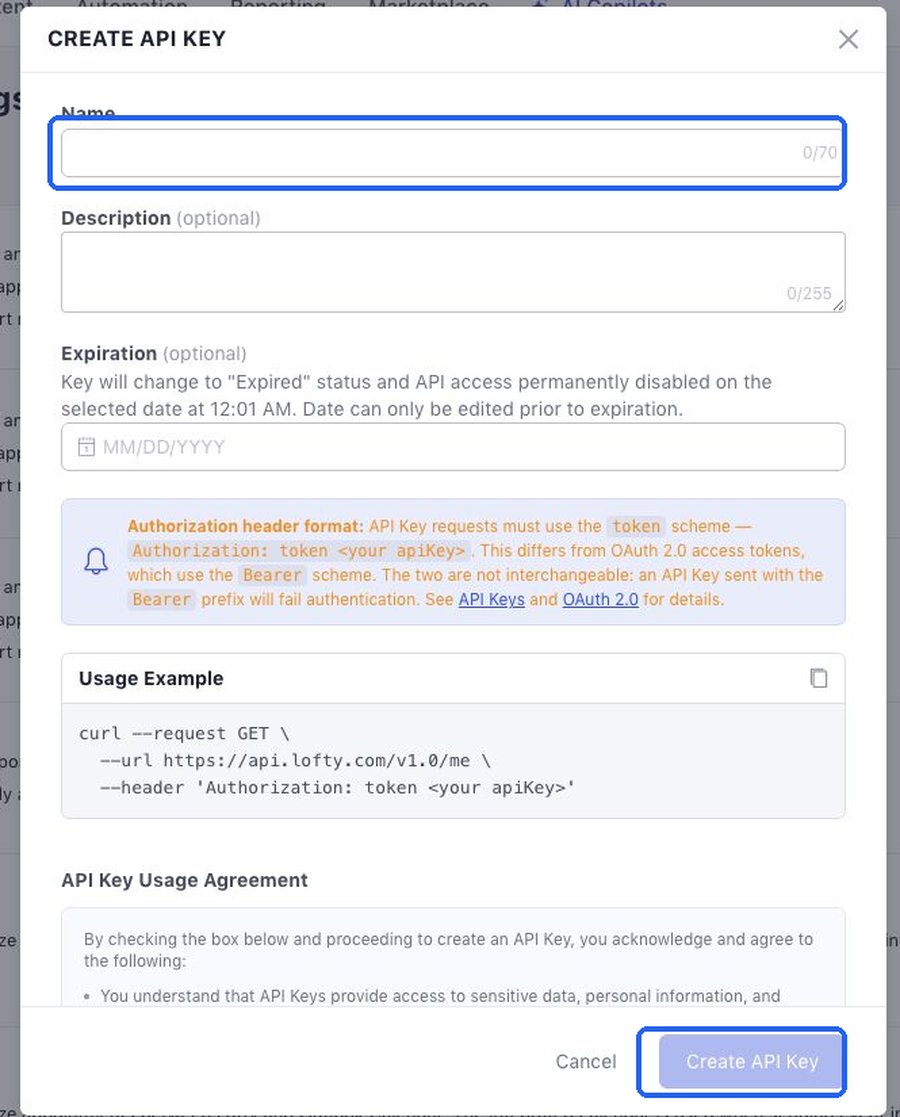
Select Create API Key. Enter the name of the product you’re connecting. You can also add a description and expiration date.Review and accept Lofty’s API Key Usage Agreement, then select Create API Key.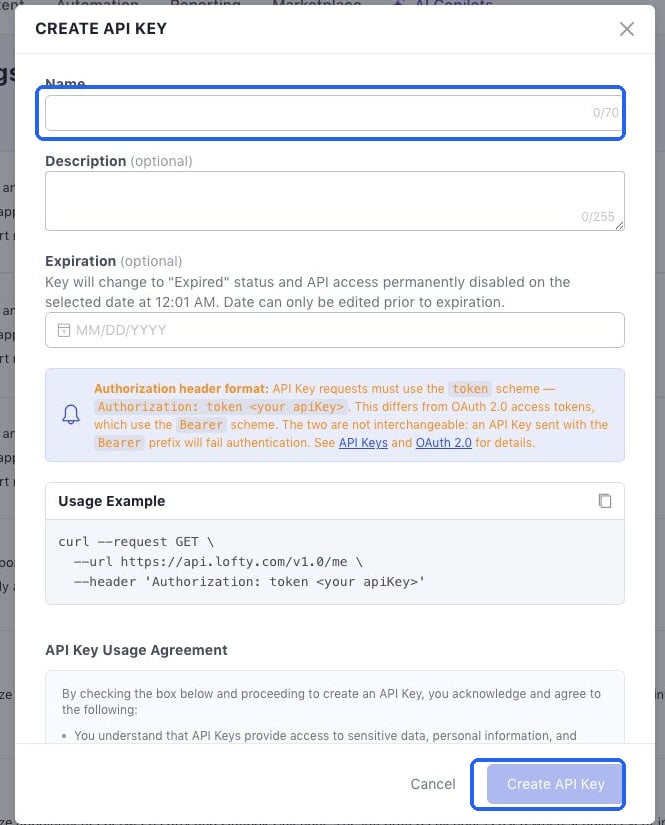
3
Paste the key and save
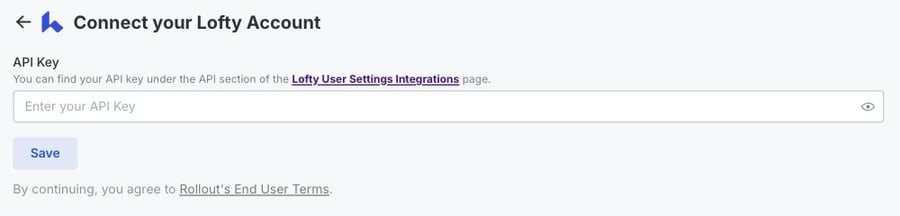
Return to the connection window. Paste the key into API Key, then select Save.