import React, { useState, useEffect } from "react";
import { RolloutLinkProvider, CredentialsManager } from "@rollout/link-react";

function fetchRolloutToken() {
  // We generate the token on the server in order to keep
  // the ROLLOUT_CLIENT_SECRET secure.
  return fetch("/rollout-token")
    .then((resp) => resp.json())
    .then((data) => data.token);
}

export function App() {
  // This handler is called when new credentials are added
  // Example callback data:
  // id: "cred_12345abcde" - unique identifier for the credential
  // appKey: "follow-up-boss" - identifies the integration type
  const handleCredentialAdded = async ({ id, appKey }) => {
    // Log the credential details
    console.log(`New credential added - ID: ${id}, App: ${appKey}`);

    // Here you could make an API call to your backend to store
    // or change UI state for your application
  };

  return (
    <div id="app">
      <RolloutLinkProvider token={fetchRolloutToken}>
        <CredentialsManager
          entitiesToSync={{ notes: true, tasks: true }}
          onCredentialAdded={handleCredentialAdded}
        />
      </RolloutLinkProvider>
    </div>
  );
}


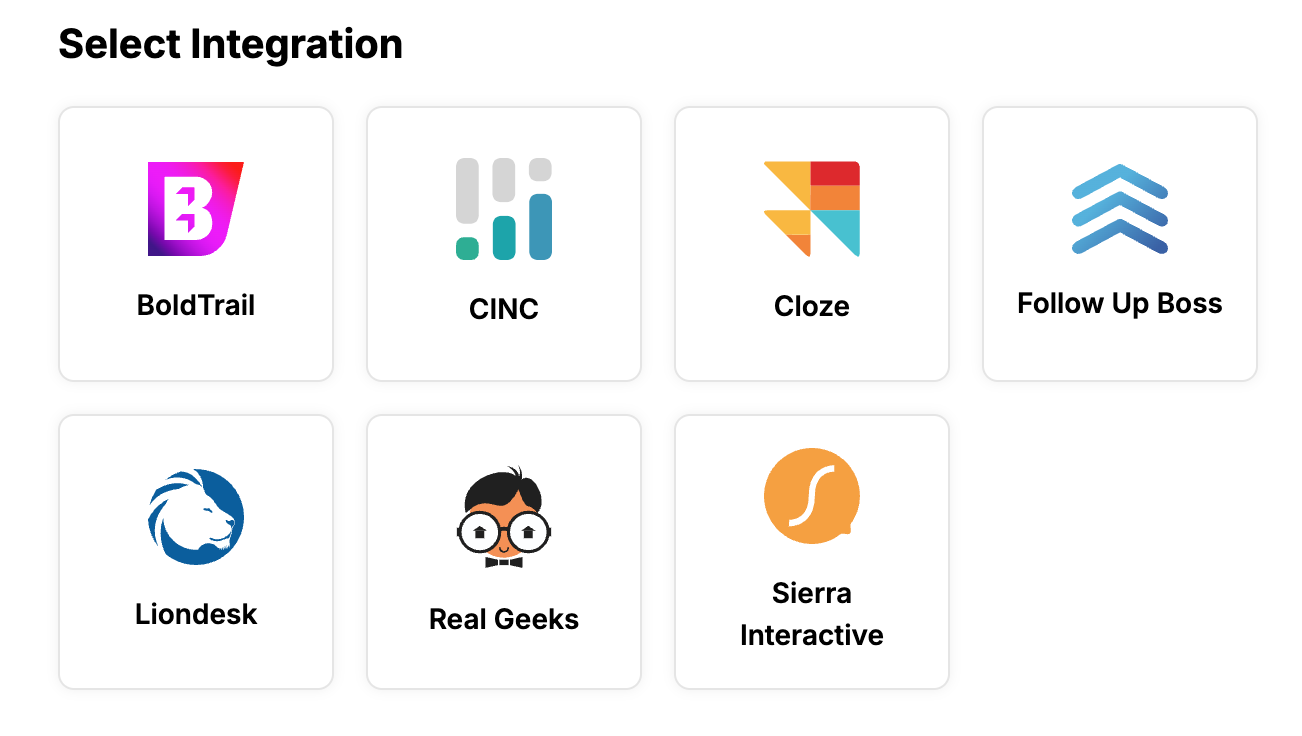 A rendering of the Rollout Link UI Component