<script>
  angular.module("rolloutDemo", []).controller("RolloutController", function RolloutController($http, $scope) {
    var rolloutRoot = null;

    function ensureStylesheet() {
      if (document.querySelector('link[data-rollout-link-styles="true"]')) {
        return;
      }

      var styleLink = document.createElement("link");
      styleLink.rel = "stylesheet";
      styleLink.href = "https://esm.sh/@rollout/link-react@latest/dist/style.css";
      styleLink.setAttribute("data-rollout-link-styles", "true");
      document.head.appendChild(styleLink);
    }

    function handleCredentialAdded(payload) {
      console.log("New credential added", payload.id, payload.appKey);

      $scope.$applyAsync(function () {
        $scope.latestCredential = payload;
      });
    }

    $http
      .get("/rollout-token")
      .then(function (response) {
        return response.data.token;
      })
      .then(function (token) {
        ensureStylesheet();

        return Promise.all([
          import("https://esm.sh/react@18"),
          import("https://esm.sh/react-dom@18/client"),
          import("https://esm.sh/@rollout/link-react@latest?deps=react@18,react-dom@18")
        ]).then(function ([React, ReactDOM, rollout]) {
          var container = document.getElementById("rollout-link-container");

          rolloutRoot = ReactDOM.createRoot(container);
          rolloutRoot.render(
            React.createElement(
              rollout.RolloutLinkProvider,
              { token: token },
              React.createElement(rollout.CredentialsManager, {
                entitiesToSync: { notes: true, tasks: true },
                onCredentialAdded: handleCredentialAdded
              })
            )
          );
        });
      });

    $scope.$on("$destroy", function () {
      if (rolloutRoot) {
        rolloutRoot.unmount();
      }
    });
  });
</script>


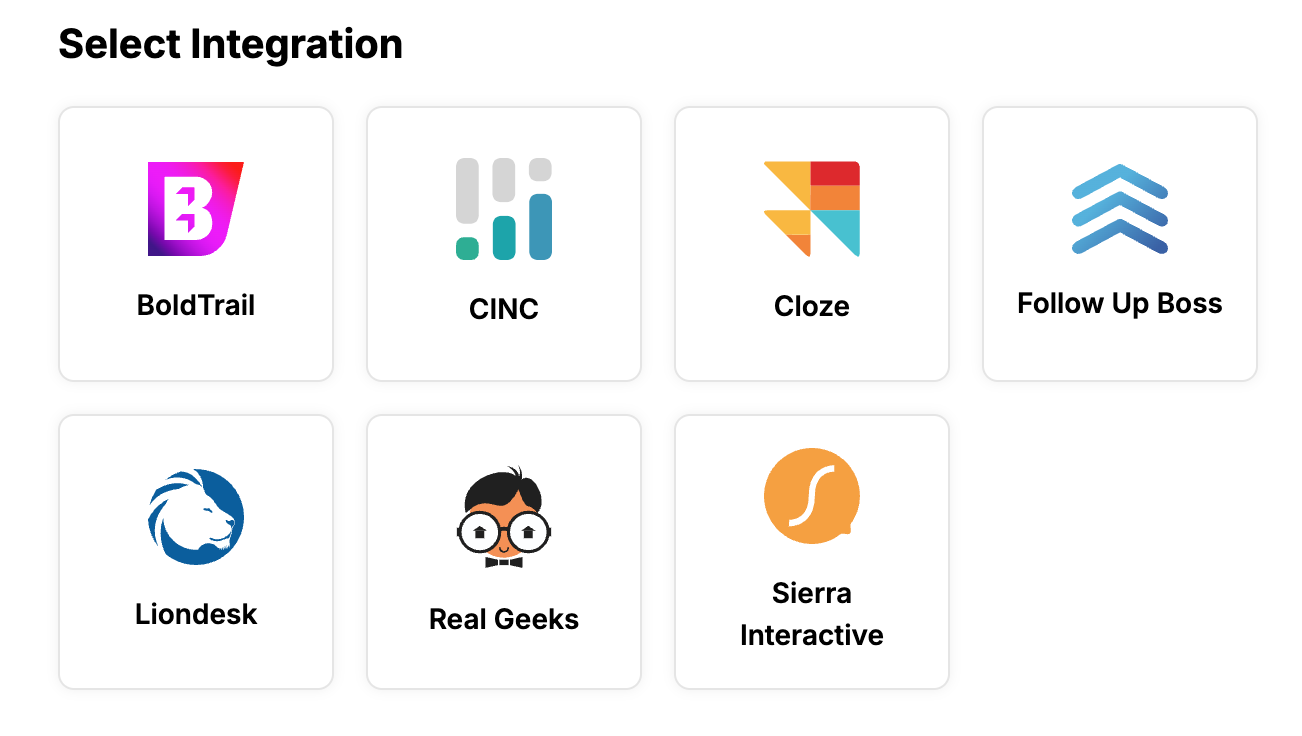 A rendering of the Rollout Link UI Component