> ## Documentation Index
> Fetch the complete documentation index at: https://rollout.com/docs/llms.txt
> Use this file to discover all available pages before exploring further.
# Total Expert
> Request Total Expert API credentials and enter them in the secure connection form.
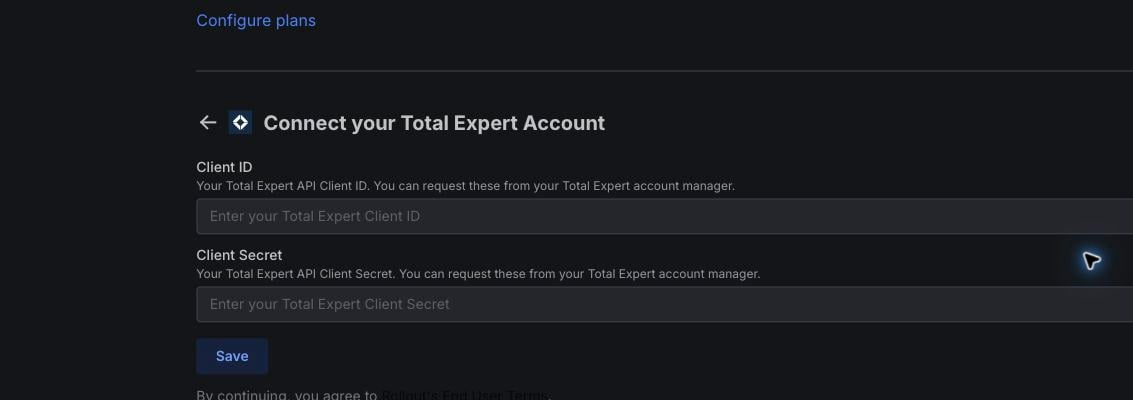
Total Expert uses a **Client ID** and **Client Secret** issued for your organization. Your normal Total Expert username and password will not work in this form.
Contact your Total Expert account manager and request API client credentials for the integration. Ask for both a **Client ID** and **Client Secret** with access to the CRM data your organization plans to sync.
Follow the secure delivery instructions provided by Total Expert. Do not send the Client Secret through ordinary email or include it in screenshots.
In the Total Expert connection form, paste the issued values into **Client ID** and **Client Secret**, then select **Save**.
 If you do not know your account manager, contact your organization's Total Expert administrator and ask them to open the credential request with Total Expert.