> ## Documentation Index
> Fetch the complete documentation index at: https://rollout.com/docs/llms.txt
> Use this file to discover all available pages before exploring further.
# MoxiWorks
> Request MoxiWorks Platform credentials and add them to Rollout.
## Request MoxiWorks Platform credentials
MoxiWorks does not provide these credentials through a customer self-service screen. Its platform documentation says a MoxiWorks representative issues the **Platform Identifier** and **Platform Secret**.
Email [partners@moxiworks.com](mailto:partners@moxiworks.com) or contact your MoxiWorks account representative. Ask for production **MoxiWorks API Platform credentials**, specifically a Platform Identifier and Platform Secret.
Review the [official MoxiWorks Platform Getting Started documentation](https://moxiworks-platform.github.io/index.html) for the credential requirements.
MoxiWorks may issue separate QA and production credentials. Use the production Platform Identifier and Platform Secret for your production Rollout connection.
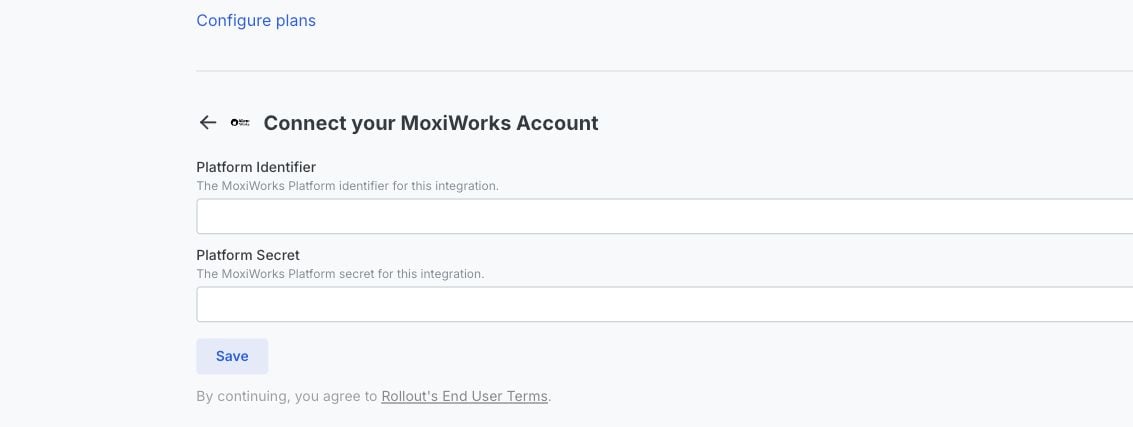
In the MoxiWorks connection form, enter the issued values under **Platform Identifier** and **Platform Secret**, then select **Save**.
 Treat the Platform Secret like a password. Do not share it in email, chat, or screenshots.